DrawKit is a library of polished 2D and 3D illustrations with one of the friendlier licenses in the space: free for commercial use, no attribution required, and no daily download limits. The catch is not the license. It is that only a slice of the library is free, and the newest, most complete packs sit behind a subscription. Use DrawKit when its specific look fits and the free set covers you. When you want more variety without paying, this guide lines up ten alternatives, starting with the one that gives you the most styles under one roof.
What DrawKit gives you (free vs paid)
DrawKit built its reputation on a clean, slightly playful style: rounded characters, soft shapes, and a strong set of 3D scenes that stand out in a space full of flat vectors. That 3D work is genuinely good, and it is part of why designers keep the site bookmarked.
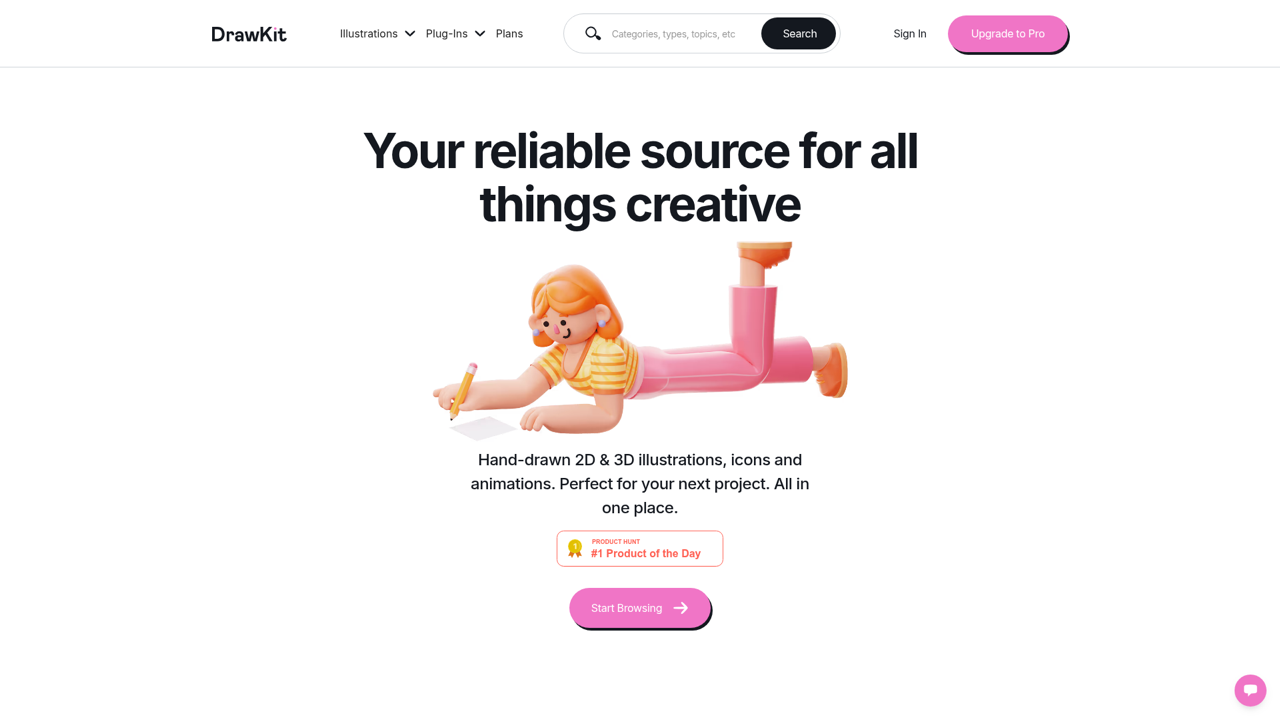
DrawKit also leans into motion and building blocks that most free libraries skip: animated illustrations, a 3D builder for assembling custom scenes, and Figma and Lottie exports. If your work needs that kind of output and you will use it often, the subscription can pay for itself. The free tier, though, is a curated sample. The full library, the newest collections, and the bulk downloads are gated behind a paid plan, so if you expect thousands of free assets, the free section will feel small quickly.
The license, in plain English
The license is where DrawKit is genuinely generous, and it is worth being precise about it.
| Question | DrawKit |
|---|---|
| Attribution required? | No |
| Commercial use? | Yes |
| Formats | SVG and PNG |
| Free tier cost | Free (limited set) |
| Full library | Paid subscription |
You can use both the free and paid illustrations in personal and commercial projects, for clients or your own products, without crediting DrawKit. What you cannot do is resell or redistribute the raw files, package them into a product for other designers, or use them to train an AI or machine learning model. Those limits are standard for the category and unlikely to affect normal design work. The friction is the paywall on volume, not the license.
The best DrawKit alternatives
Most teams look for a DrawKit alternative for one of two reasons: they want more assets without a subscription, or they want a style DrawKit does not offer. The ten below are the libraries worth knowing, grouped loosely from the widest range of styles down to the more specialized single-style sets. Each entry notes the license and the kind of project it actually fits, so you can jump to the ones that match your constraints.
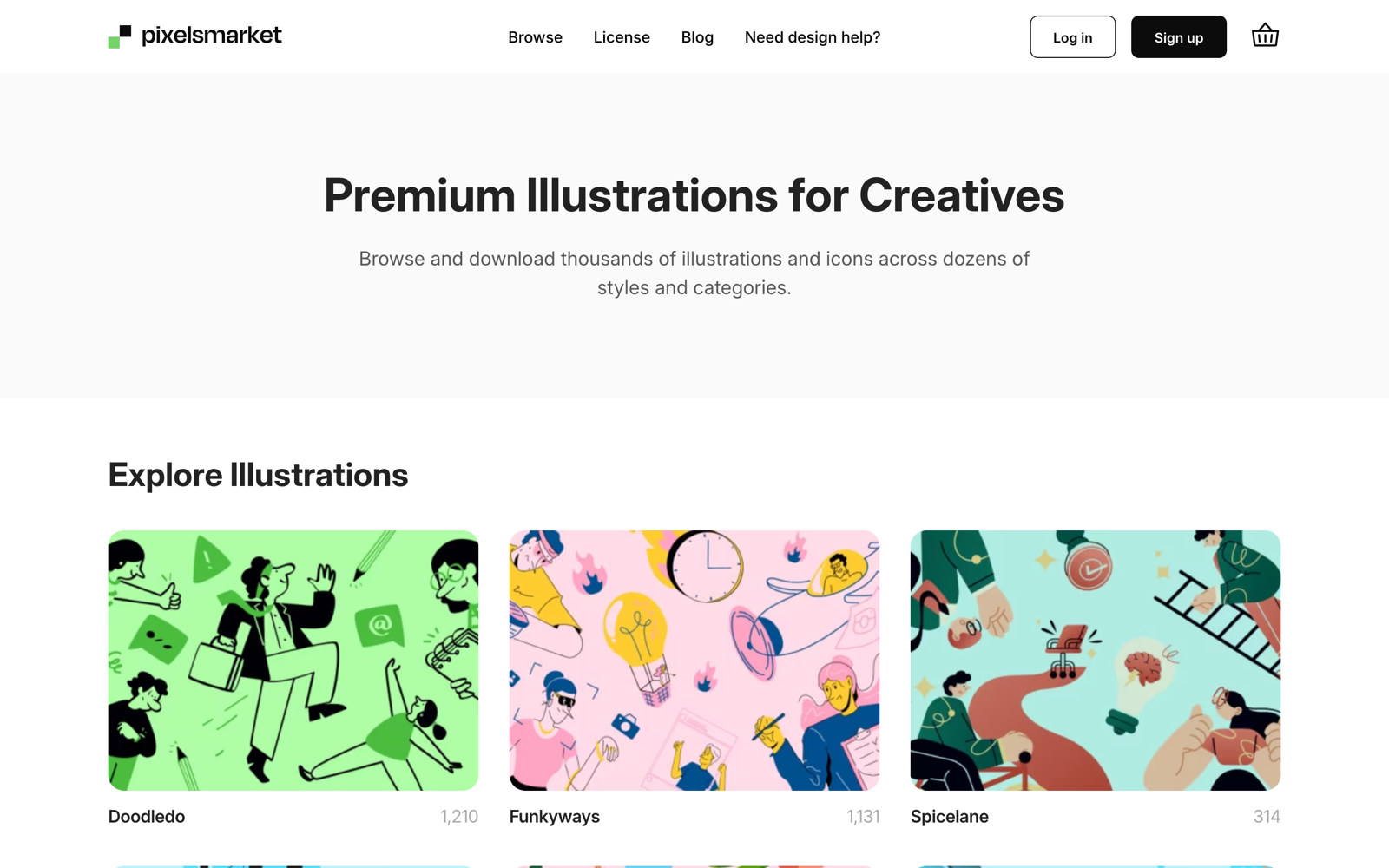
1. Pixels Market
Pixels Market (that is us, so weigh accordingly) is the widest-range pick here: 14,880 illustrations sorted into 18 named styles, so flat, hand-drawn, isometric, and more live in one place. You recolor any illustration in the browser to match your palette, then download. The free download is a high-resolution PNG with a personal license; the SVG files and a commercial license come with the full sets. For a DrawKit user, the appeal is escaping the single-style limit: if a project needs a flat hero and a hand-drawn spot on the same page, one library covers both.
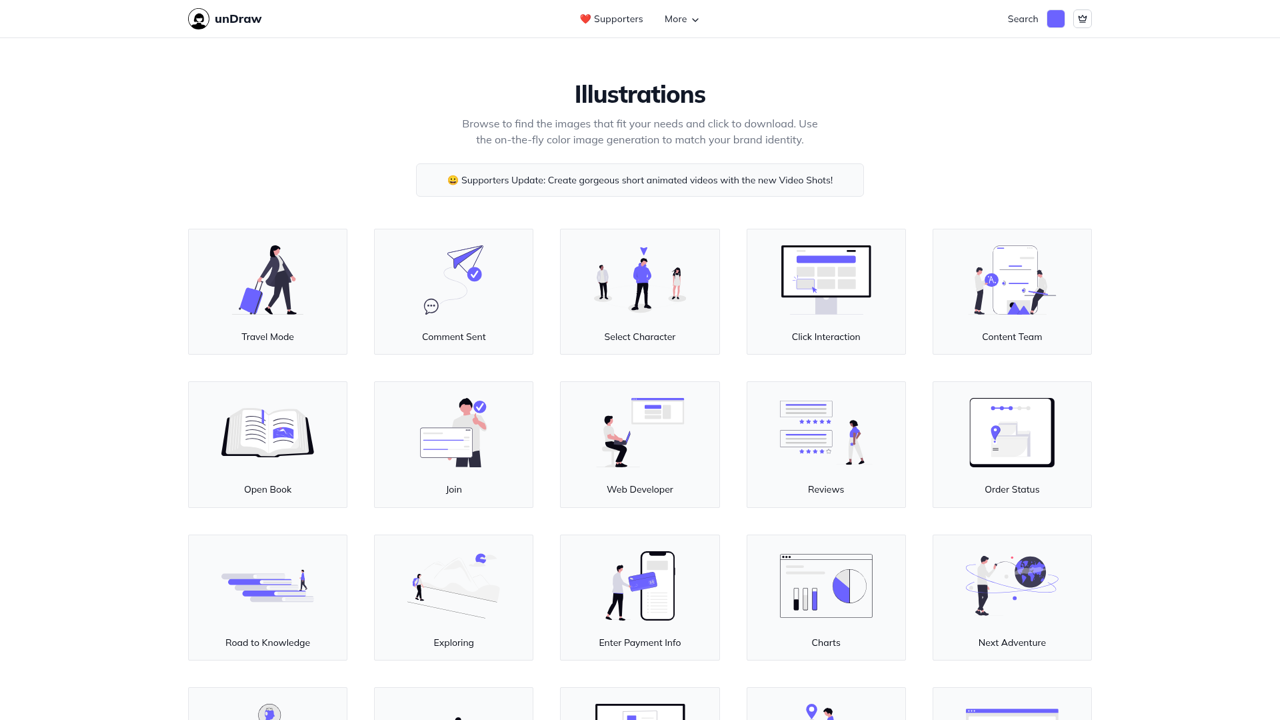
2. unDraw
If your only goal is "free, no strings," unDraw is the closest match to DrawKit's license without the paywall. Every illustration is free, commercial use is fine, no attribution is required, and you can recolor to a single accent color before you download. The tradeoff is style: unDraw is one consistent look, and because it became the default for startup landing pages, that look is everywhere. For a deeper look, see our unDraw review and alternatives.
3. Storyset
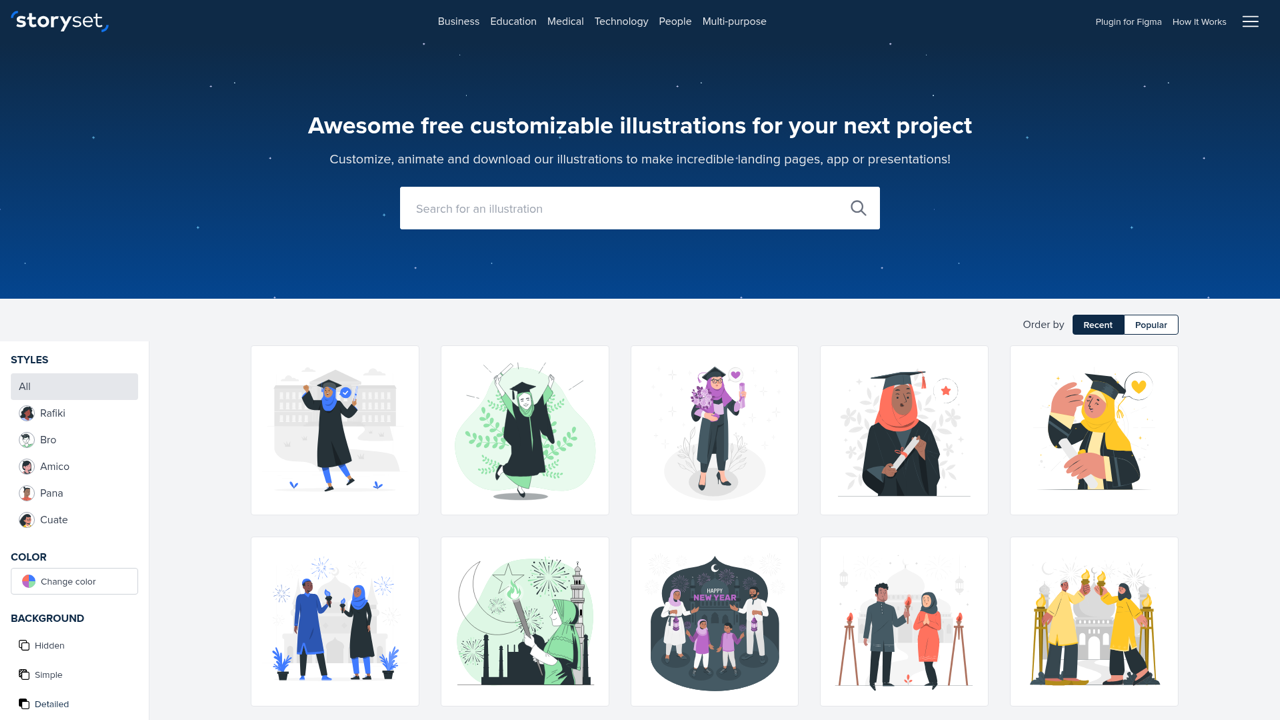
Storyset, part of Freepik, offers five consistent illustration styles and an online editor that recolors and even animates scenes. The catch is the opposite of DrawKit's: the free downloads require attribution, and daily caps apply. If you can credit the source, the editor and variety are hard to beat. Our Storyset review and alternatives covers the license in detail.
4. Open Peeps
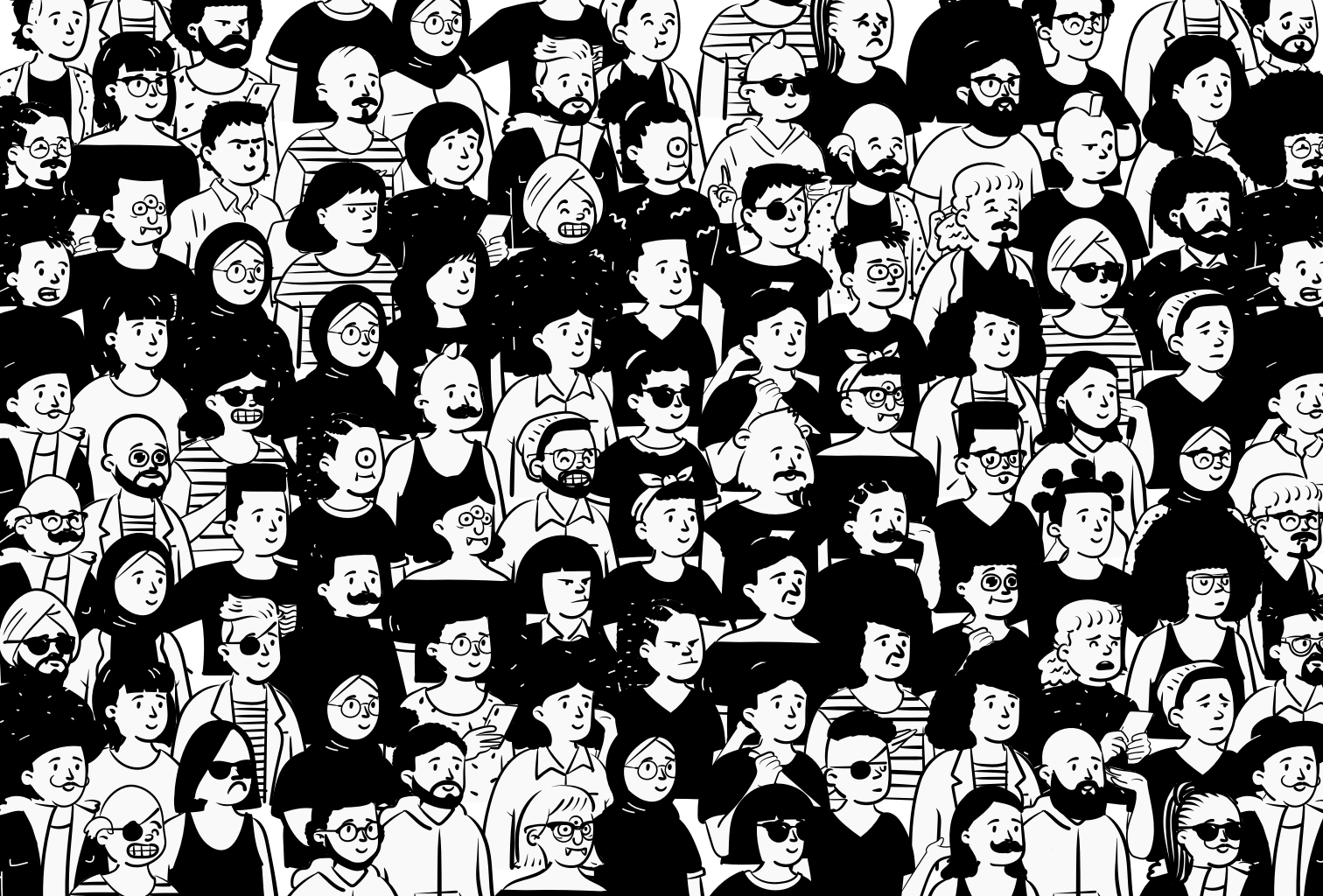
Open Peeps, by Pablo Stanley, is a hand-drawn character library you assemble from mix-and-match heads, bodies, and poses, with hundreds of thousands of combinations. Everything is free for any use with no attribution. It is the right pick when you want warm, human, hand-drawn illustration rather than DrawKit's cleaner geometry, and when characters, not scenes, are the star.
5. Blush
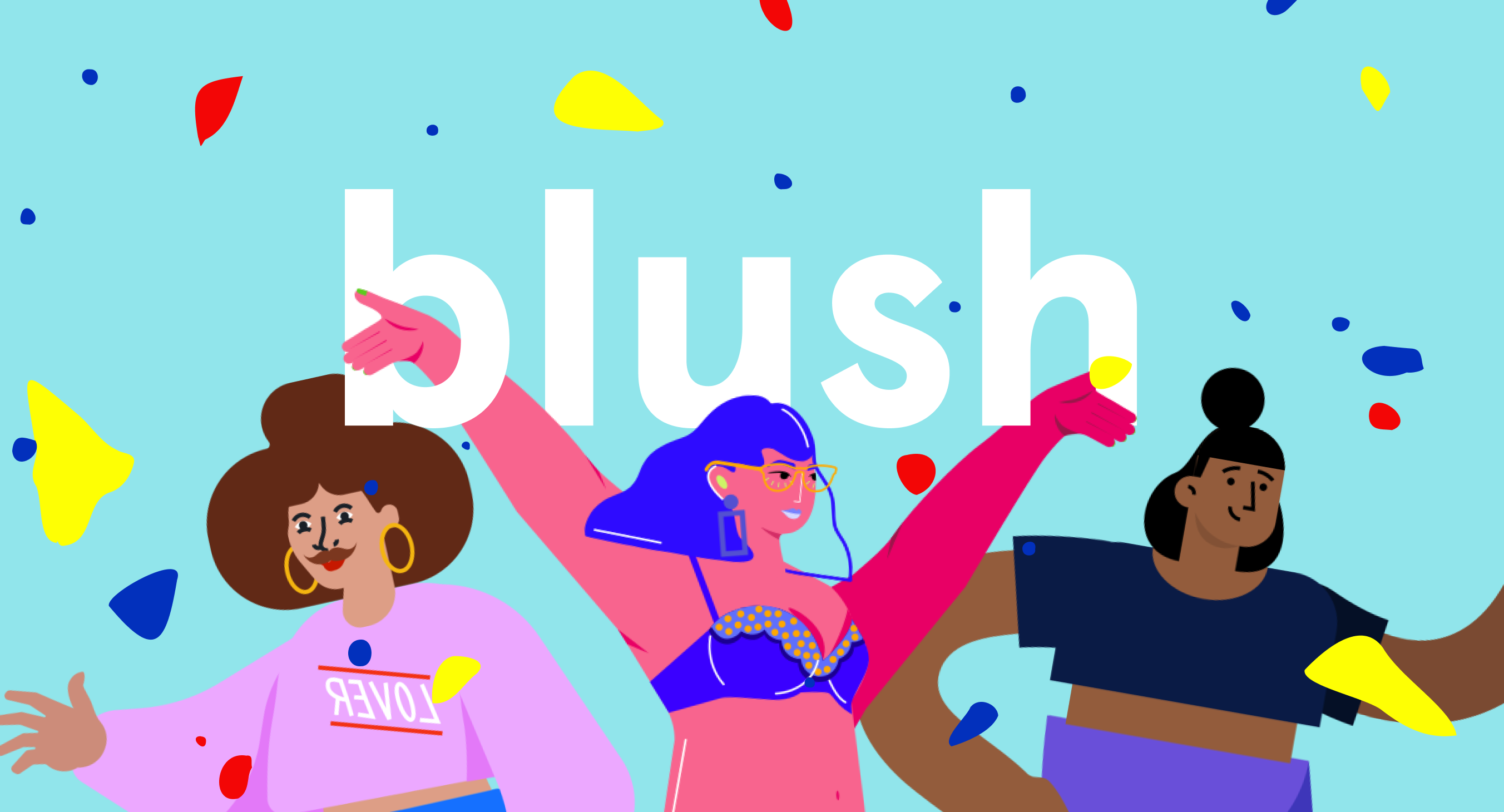
Blush is also from Pablo Stanley, and it takes the mix-and-match idea into a customizable character builder with a Figma plugin, so you can drop and edit illustrations without leaving your design file. It runs on a freemium model like DrawKit: a free set plus paid collections. Choose Blush when you want to tailor a character to your brand rather than use it exactly as drawn.
6. Icons8 Ouch
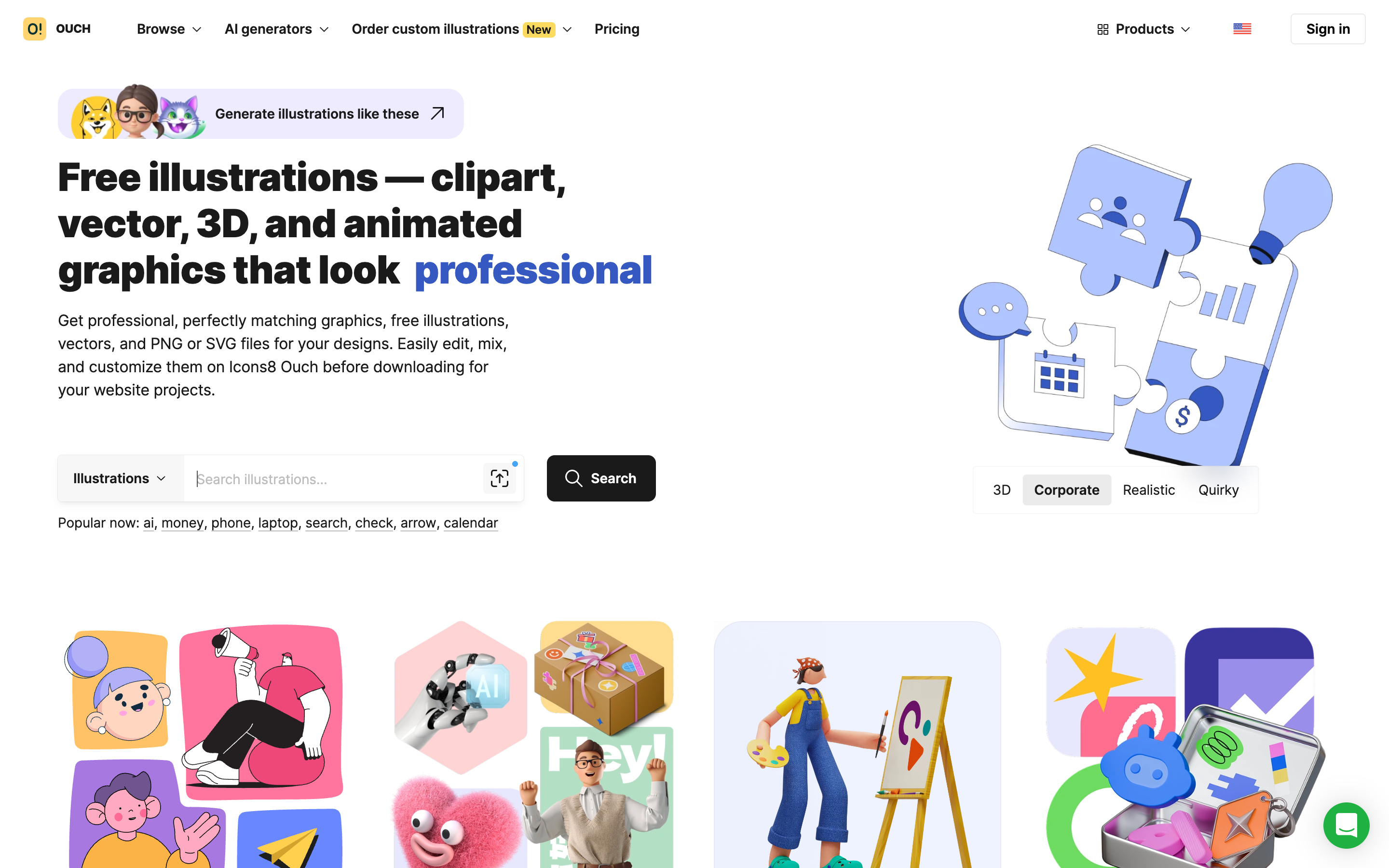
Ouch, by Icons8, is one of the widest libraries here, with many styles including strong 3D options that rival DrawKit's. The license mirrors Storyset: free with a link back to Icons8, or paid to drop the attribution. It is also the easiest way to try several styles side by side before you commit to one.
7. Humaaans
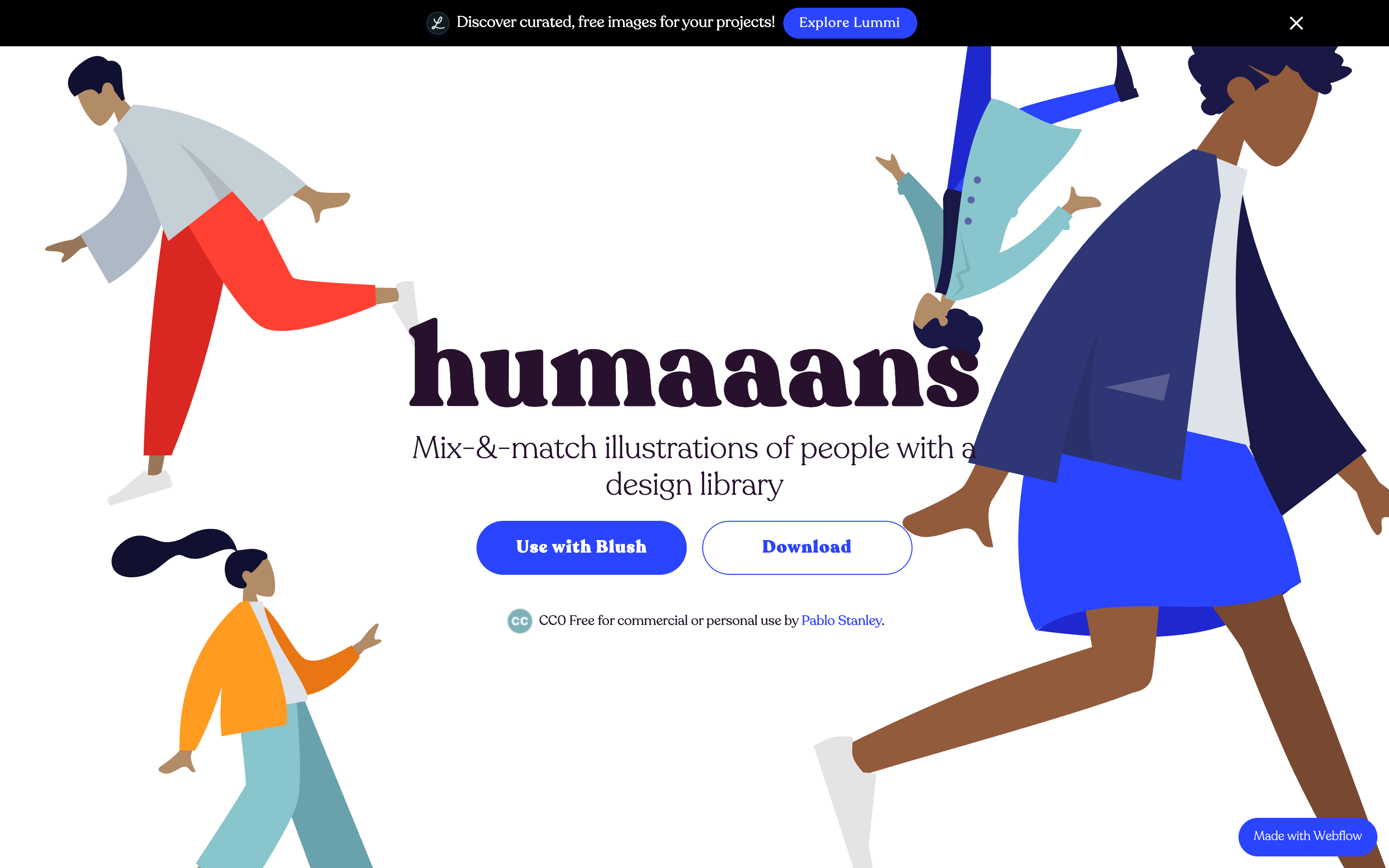
Humaaans, another Pablo Stanley project, is a mix-and-match set of human figures you can pose, dress, and recolor. It is free to use, and the appeal is diversity: you can build people who actually look like your audience rather than reuse the same stock character. Like Open Peeps, it is about people, not full scenes.
8. Absurd Design
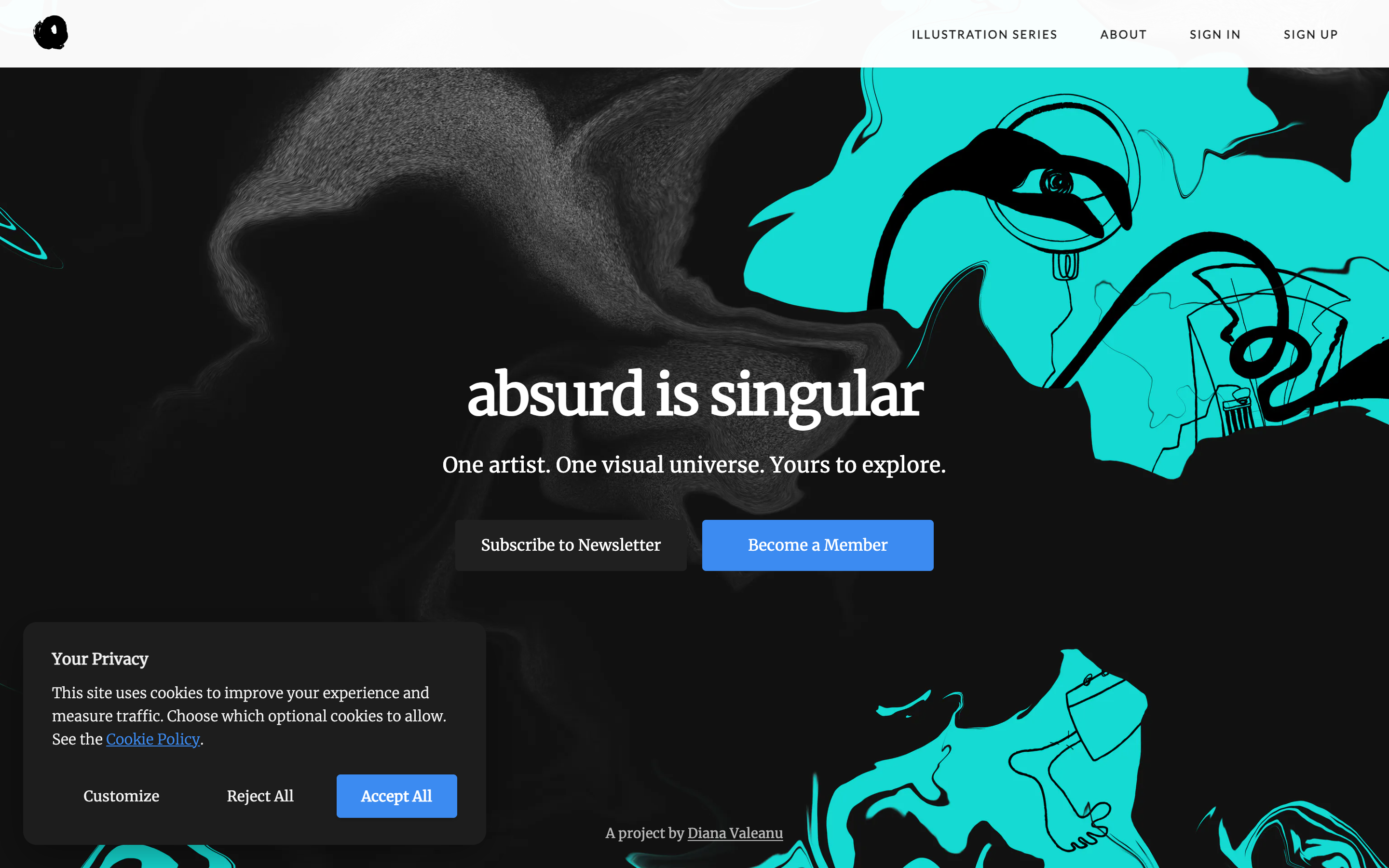
Absurd Design is the outlier, a single-artist collection of surreal, slightly dark illustrations that look nothing like the friendly startup default. A free set is available, with a paid membership for the full library. Reach for it when a project needs personality and edge rather than clean, safe characters.
9. Open Doodles
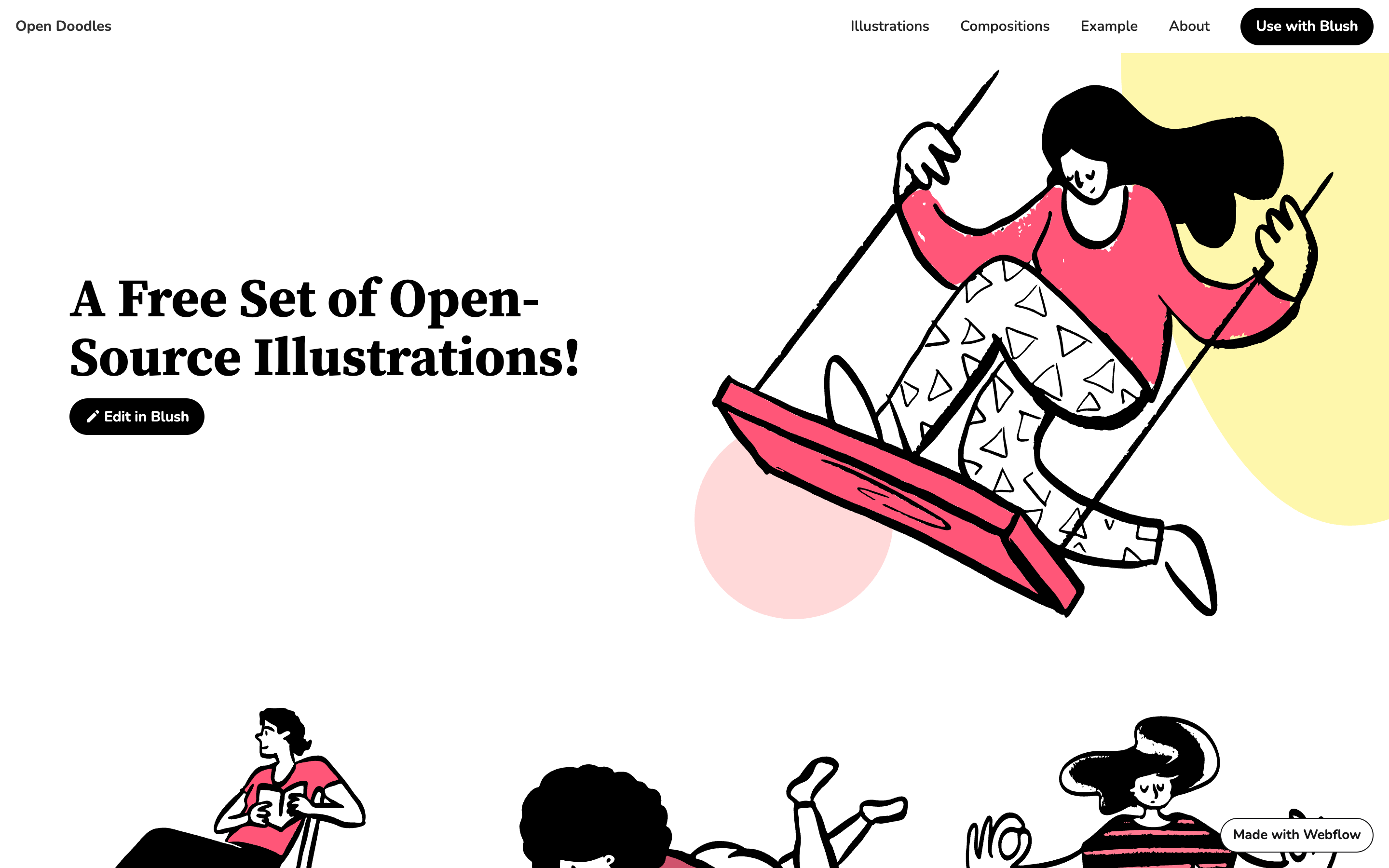
Open Doodles is a free, open-source set of loose, hand-drawn illustrations with a relaxed, sketchy feel. Everything is free for any purpose, and it pairs with Blush for quick edits. It is a good, no-fuss source when you want the handmade look without a license to read.
10. IRA Design
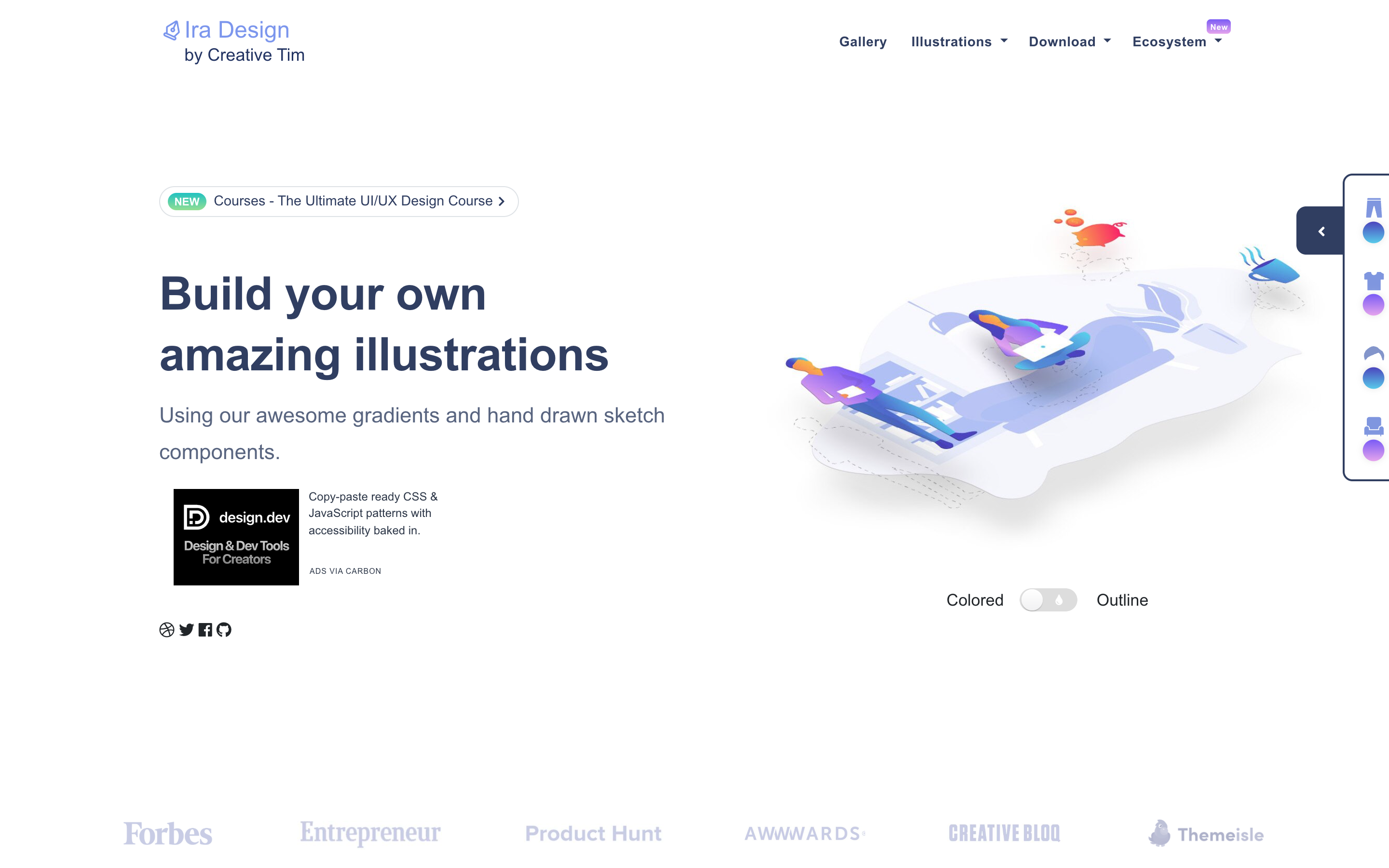
IRA Design, from Creative Tim, lets you build illustrations by combining gradient shapes with hand-drawn elements, then recolor them to your palette. It is free, and it sits between a library and a builder: fewer ready-made scenes, more raw material to assemble your own. Choose it when you want gradient-forward illustrations with room to customize.
How to choose
Ignore which library is trendiest and decide on three things.
First, license fit. If you cannot add attribution, rule out the tools that require it on their free tier (Storyset, Ouch) and lean on unDraw, Open Peeps, Open Doodles, or the free PNGs from Pixels Market. If attribution is fine, the whole field opens up.
Second, style range. DrawKit and unDraw are each one strong look. If your project needs several looks that still feel related, a multi-style library saves you from stitching sources together.
Third, format and editing. If you need SVG source files, confirm they are included on the tier you are using, since several libraries gate SVG or commercial rights behind a paid plan. If you recolor often, an in-browser editor is worth more than raw file count.
One common mistake is choosing on file count alone. A library with 20,000 assets in a style that does not fit your brand is worth less than 200 that do. Start from the look you want, then check the license, and let volume be the tiebreaker rather than the deciding factor.
Verdict: keep DrawKit or switch
Keep DrawKit if you like its specific style, especially its 3D work, and the free set covers your needs or you are happy to pay for the full library. It is a polished tool with a genuinely friendly license.
Switch when the free set runs thin or the one style does not fit. For range across many styles, start with Pixels Market; for a free, no-attribution match, unDraw or Open Peeps; for character builders, Blush or Humaaans. Browse our free illustrations or the curated illustration collections and recolor before you download. The right library is the one whose license and style fit your project, not the one with the biggest logo.