unDraw is a free illustration library by Katerina Limpitsouni with an open-source-style license: no attribution, full commercial use, SVG and PNG downloads, and on-site recoloring to one accent color. We re-read the license and tested downloads on June 10, 2026. Short verdict: it's the freest serious illustration library on the web, with one growing problem the license can't fix. If you're weighing the whole field, see our roundup of the best free illustration sites.
Why unDraw became the default
There are three reasons, and none of them is the artwork alone.
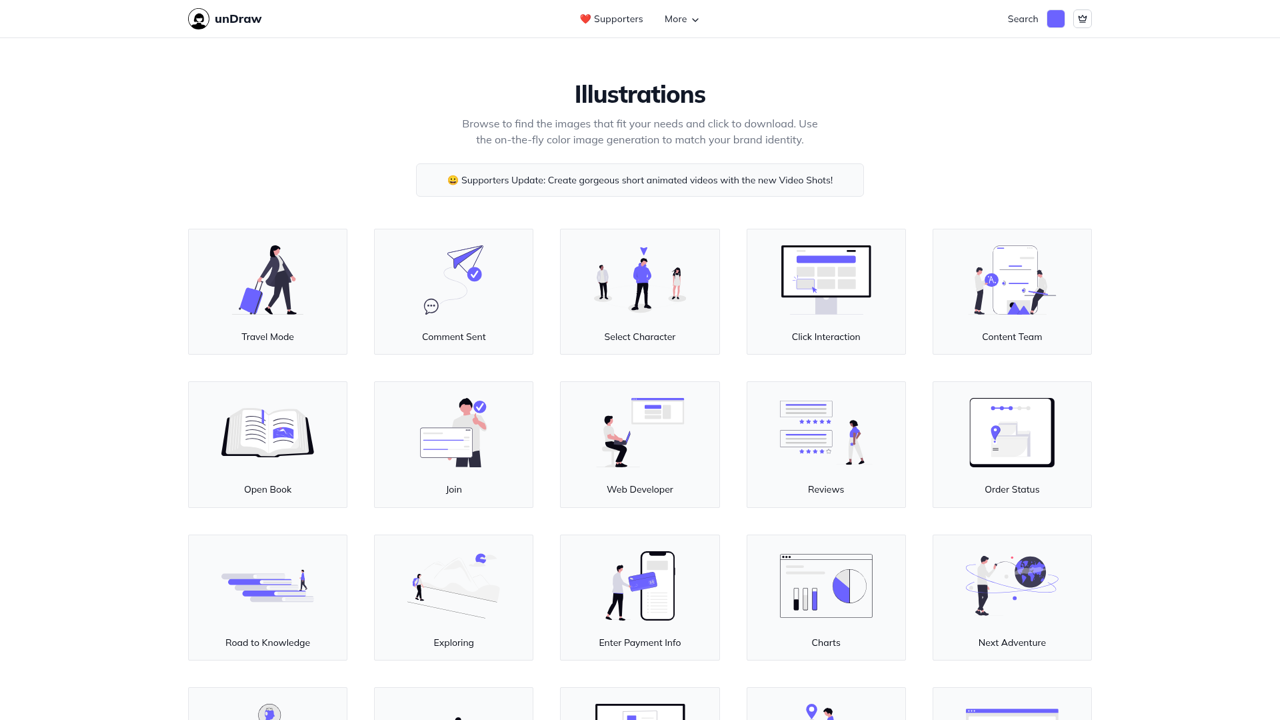
First, the license has no catch. No attribution, no account, no download caps, no premium tier waiting behind a modal. You search, you pick a color, you download SVG or PNG. For developers shipping side projects at midnight, that frictionlessness made unDraw the reflex choice, and it has stayed that way since 2017.
Second, the single-accent-color trick is clever: set your brand color once and the entire catalog previews in it. One style decision gives you instant consistency across every illustration you'll ever pull from the site.
Third, it's genuinely big and actively maintained. New concepts land regularly, and the coverage spans product situations (empty states, errors, onboarding), business scenes, and everyday life. For a one-person art project, the catalog's range is remarkable.
The license, precisely
"Open-source" gets used loosely here. unDraw uses its own custom license, not MIT or CC0, but in practice it grants almost everything: personal use, commercial use, client work, and modification, all with no credit required. The three real restrictions are narrow:
- Don't compile the assets to replicate unDraw or build a similar service.
- Don't redistribute the illustrations as packs or templates.
- Don't use them to train AI or machine-learning models without permission.
If your use case is "put illustrations in my product or marketing," none of these will ever touch you. The AI-training clause is the one worth remembering if you build datasets, since it is increasingly common in free libraries and easy to miss. For the full breakdown, with specific use cases like merchandise and paid courses and how the terms compare to CC0, see our unDraw license guide.
The honest problem: everything looks like unDraw
Walk through a SaaS onboarding flow, a developer-tool landing page, and a startup's 404 page, and there's a fair chance all three use the same purple-shoed unDraw characters. The style is excellent, and after years as everyone's default, it now signals "we used the free option."
The one-accent-color system also limits how far you can push it toward your brand. The accent recolors, but backgrounds, skin tones, line work, and details stay fixed. Full multi-color control means opening each SVG in Figma or Illustrator and recoloring layers by hand, at which point the time savings that made unDraw attractive start evaporating.
That's not a reason to avoid unDraw. It's a reason to know when you've outgrown it.
unDraw vs the alternatives
| Site | Free tier | Formats | Attribution? | Best for |
|---|---|---|---|---|
| unDraw | Full catalog | SVG, PNG | No | Frictionless product/web illustrations |
| Storyset | Full catalog, daily caps | SVG, PNG, GIF/video | Yes | Animated, multi-style scenes |
| DrawKit | Free packs | SVG, PNG, Figma, Lottie | No | 3D packs and animations |
| Blush | Unlimited standard PNGs | PNG free; SVG on Pro | No | Mix-and-match characters in Figma |
| Open Peeps | Full catalog | SVG, PNG | No (CC0) | Hand-drawn people scenes |
| Humaaans | Full catalog | SVG, PNG | No (CC0) | Geometric mix-and-match people |
| Pixels Market | 20,000+ PNG | PNG free; SVG with sets | No | Recolorable scenes across 15+ styles |
1. Storyset
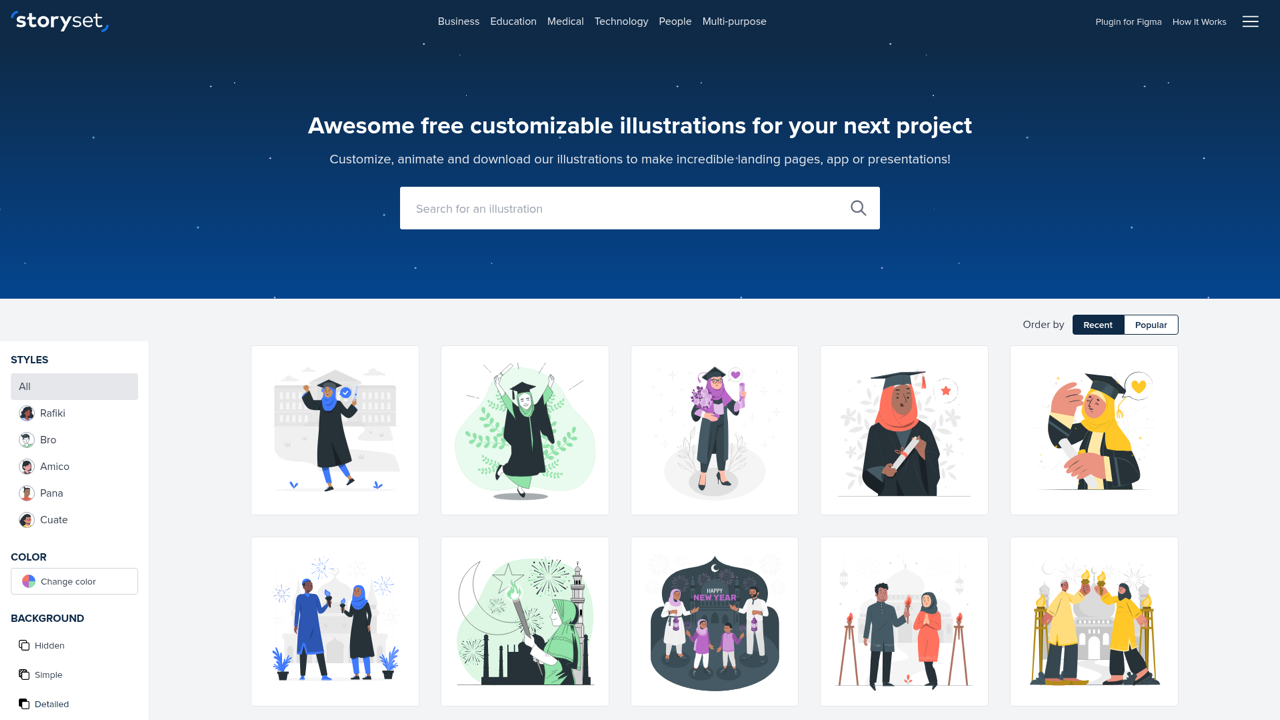
Freepik's library is the stylistic opposite of unDraw: five distinct styles per concept (Rafiki, Bro, Amico, Pana, Cuate), an online editor that recolors entire scenes rather than just one accent, plus layer toggling and animation with GIF/video export. The trade-off is the license: free downloads require attribution and daily caps apply, and Freepik Premium removes both. We covered the details in our Storyset review.
The honest con: the attribution requirement makes free-tier Storyset awkward in client deliverables and native apps, where a credit line has no natural home.
2. DrawKit
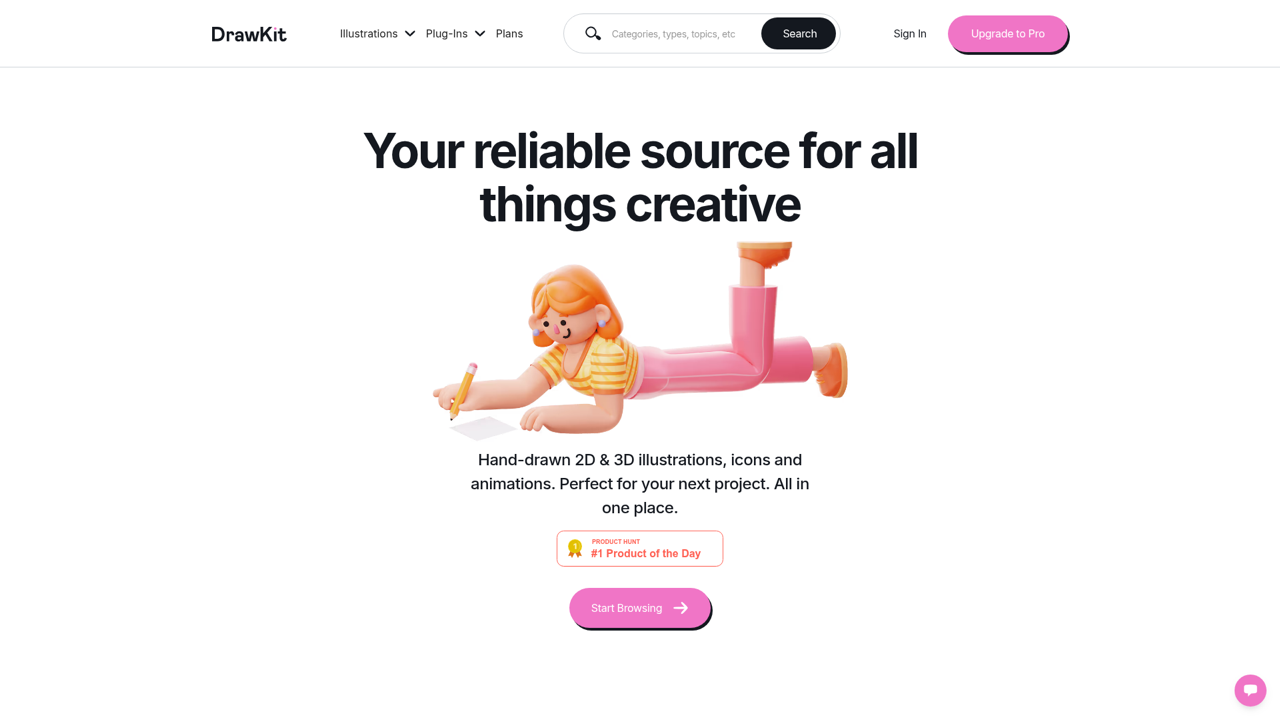
DrawKit offers themed packs (finance, education, AI, teamwork) in both 2D and 3D, with a free tier per pack in SVG and PNG, often with Figma files, Lottie animations, and GIFs. No attribution. If you specifically need 3D illustrations or production-ready animation files without a subscription, DrawKit is the strongest free source on this list, since free Lottie files are rare anywhere.
The honest con: free selections are samplers of the paid packs, and the style varies pack to pack, so mixing several free packs in one product gets visually patchy fast. Where unDraw gives you one coherent style across the whole catalog for free, DrawKit trades that coherence for format range.
3. Blush
Blush is a mix-and-match scene builder by Pablo Stanley and artists worldwide, with Figma and Sketch plugins: compose characters from interchangeable poses, outfits, expressions, and props without leaving your design file. The free Doodler plan includes unlimited standard-resolution PNG downloads, no attribution; Pro ($12/month billed annually) unlocks SVG vectors, print-resolution PNGs, and the full 10,000+ illustration catalog.
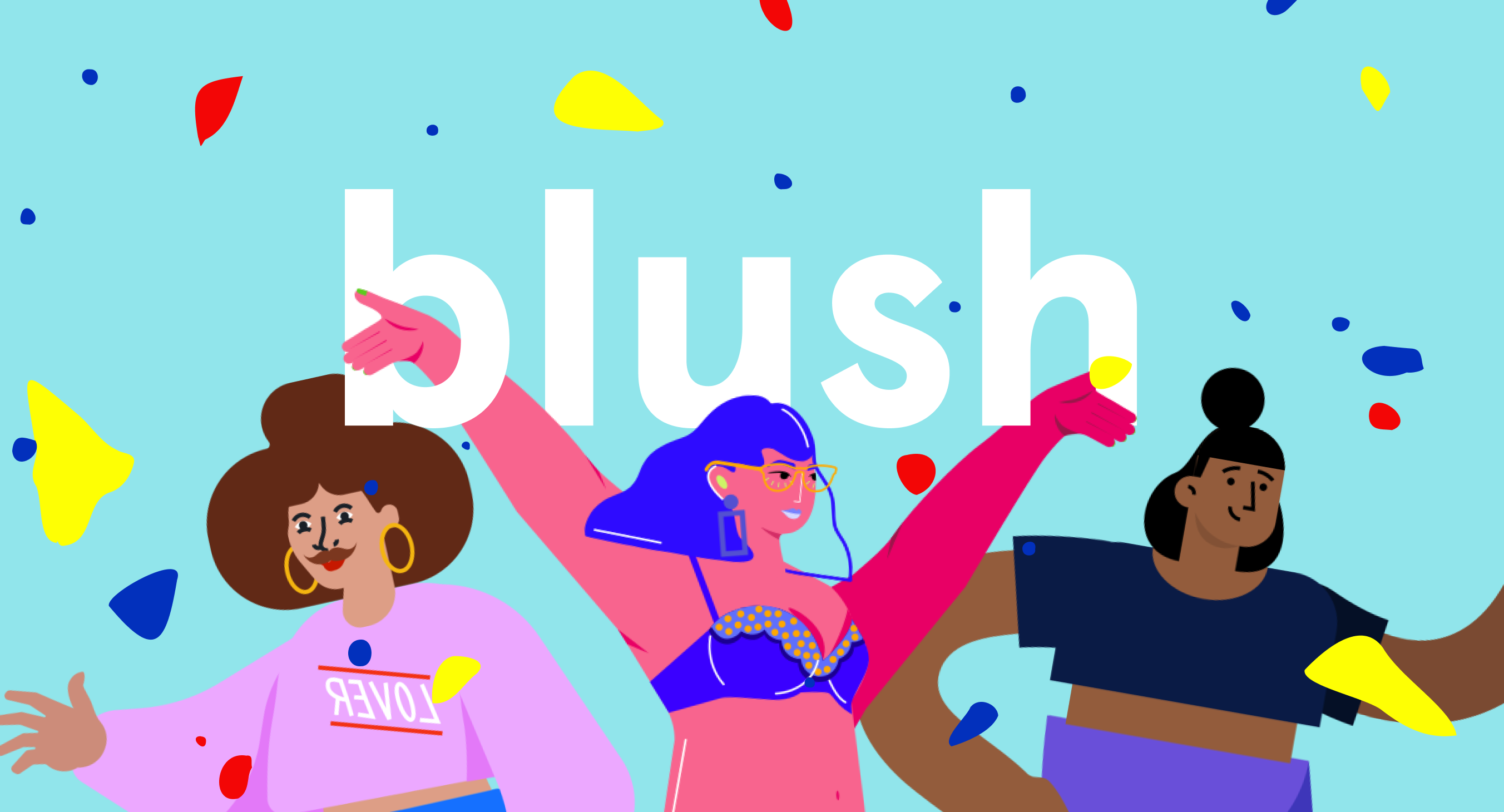
The honest con: no vectors on the free plan, and building a scene from parts takes longer than downloading a finished one. The artist-collection variety is the draw; speed isn't. This is the opposite of unDraw's appeal: unDraw is finished-and-instant, Blush is assemble-it-yourself.
4. Open Peeps
Also by Pablo Stanley, and the only library here freer than unDraw: CC0, public domain, zero restrictions, including none of the pack-redistribution and AI-training limits unDraw keeps. Hand-drawn people you assemble from heads, expressions, poses, and clothing, in SVG or PNG. Personas, user-flow characters, team pages, comics: it's built for exactly that.
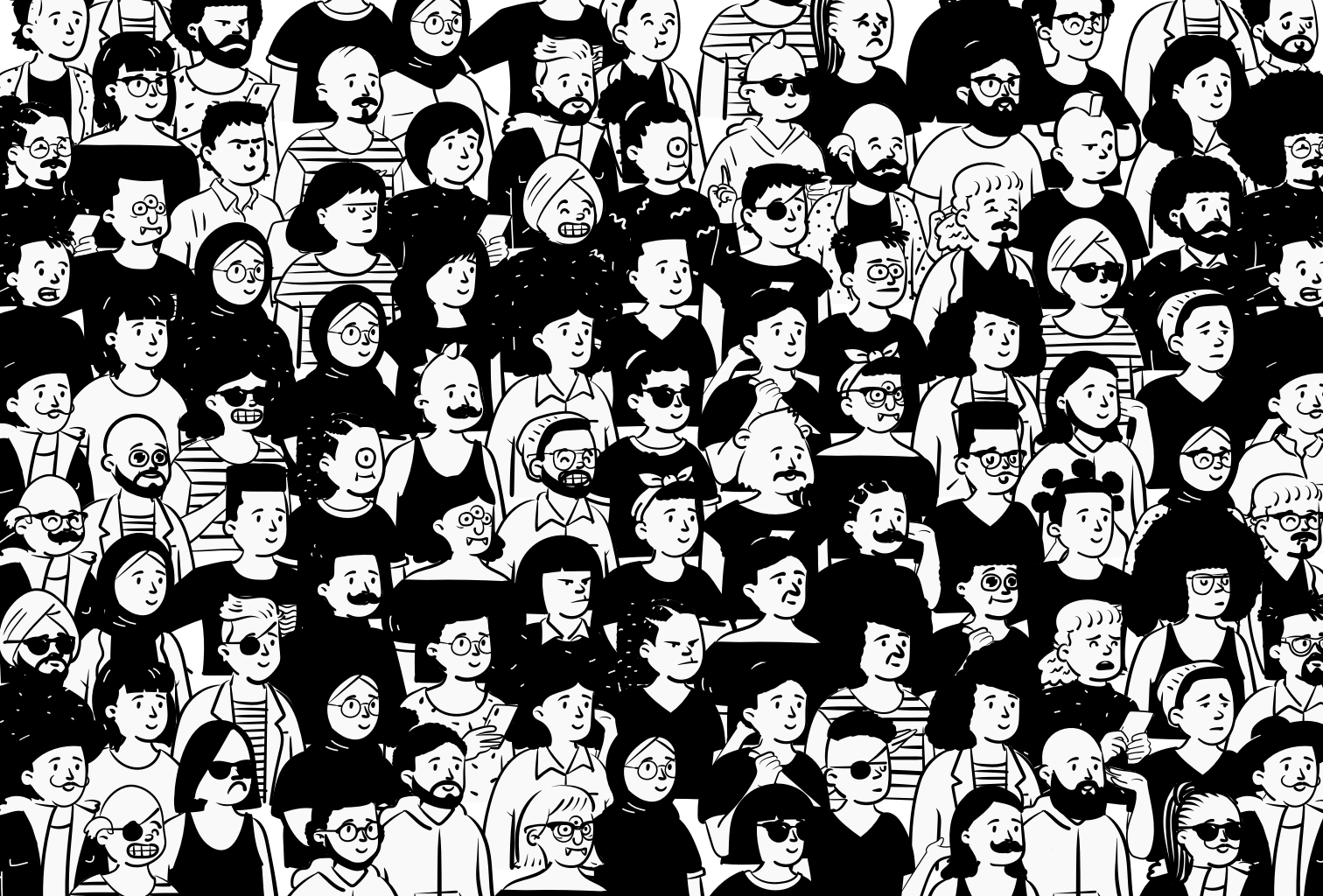
The honest con: people only, one sketchy style. It can't illustrate a feature, a dashboard, or an abstract concept, so pairing it with another library means managing two visual languages.
5. Humaaans
Humaaans is Pablo Stanley's other free people library, and the cleaner counterpart to Open Peeps: flat, geometric figures you assemble from swappable heads, hairstyles, outfits, and poses. Like Open Peeps it's CC0, so it goes further than unDraw on licensing (no pack-redistribution or AI-training clauses), and it slots into Figma, Sketch, and Blush. If unDraw's fixed characters are the thing limiting you, Humaaans hands you the controls instead: same no-attribution freedom, but you pose the person yourself.
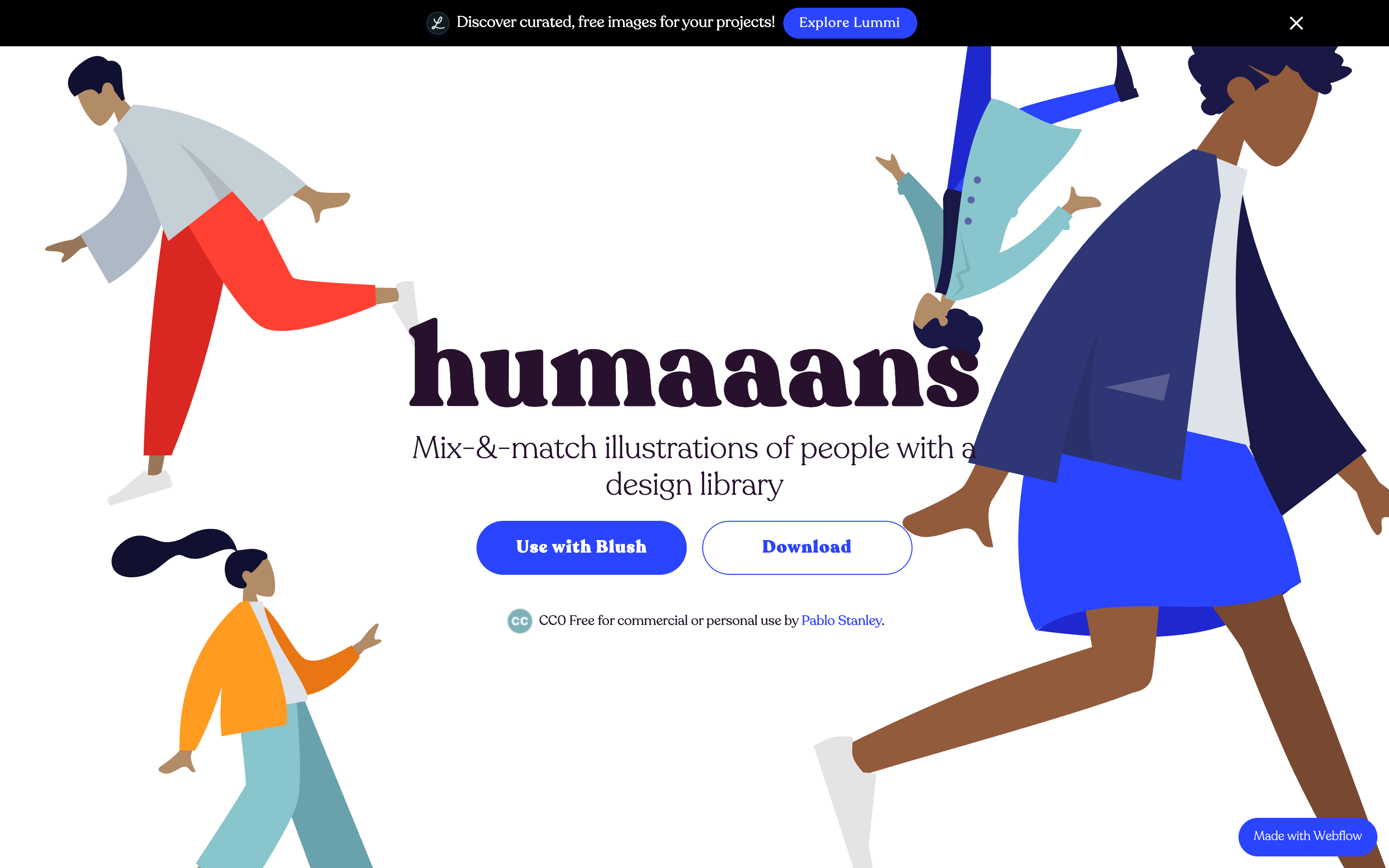
The honest con: like Open Peeps it's people only, and you trade unDraw's grab-and-go speed for composition work. Two people-builders (Humaaans and Open Peeps) also won't cover the feature scenes, abstract concepts, and empty states that unDraw does in one library.
6. Pixels Market
Pixels Market is our own library, so judge accordingly. Where unDraw gives you one style with one accent color, we built for the opposite case: 20,000+ illustrations and icons across 15+ consistent styles, each fully recolorable to your palette before downloading. See the technology illustrations for a concrete example, or browse all free illustrations. High-resolution PNGs are free with a personal license; editable SVGs plus a commercial license come with the full sets.
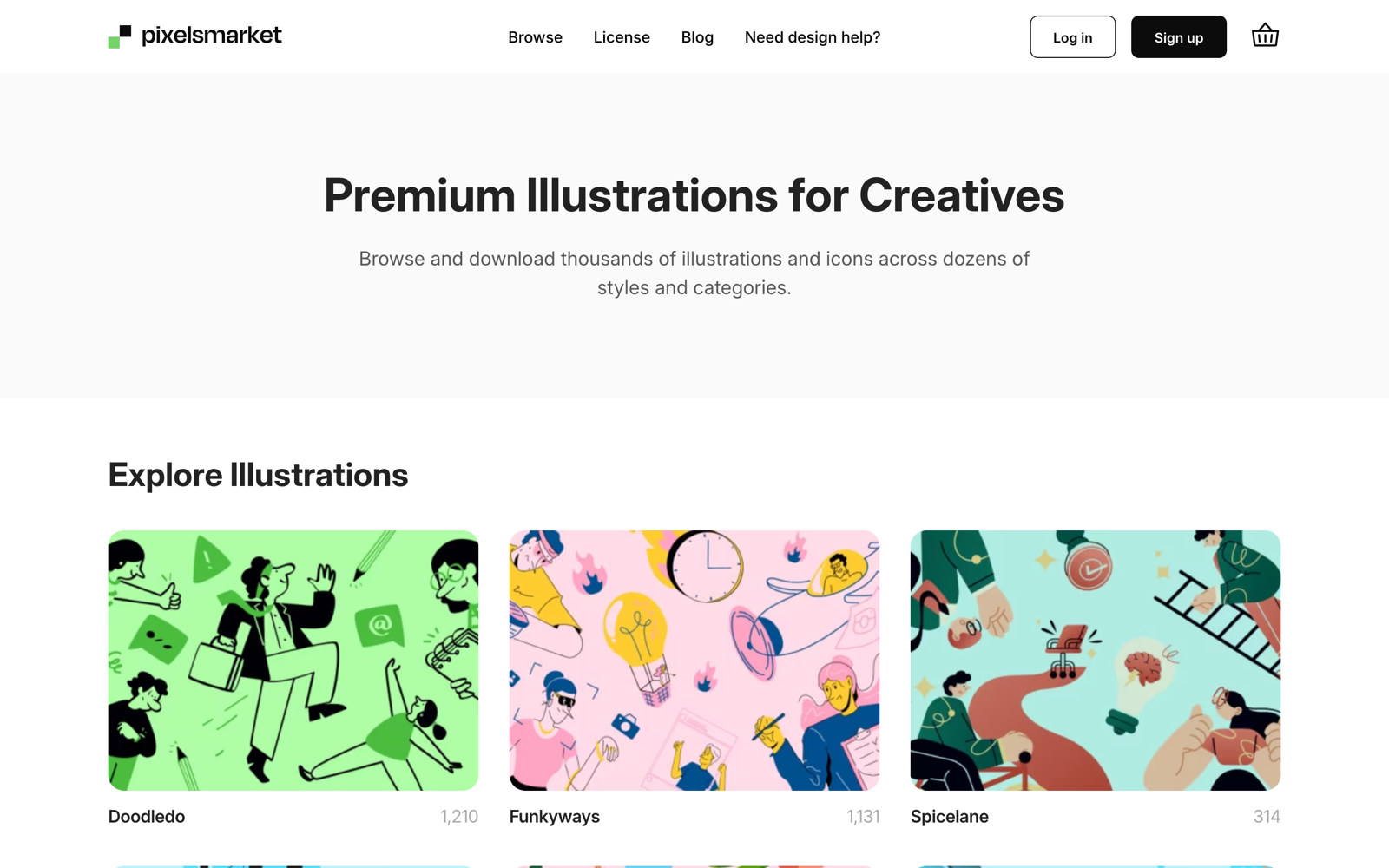
The honest con: free downloads are PNG with a personal license, so for free commercial SVGs today, unDraw and Open Peeps beat us. The sets are how the catalog stays funded and growing.
How to choose
- Shipping tonight? Stay on unDraw. Nothing is faster from search to download, and the license will never surprise you.
- Tired of looking like everyone else? Storyset (five styles) or a multi-style library like ours changes the visual language without changing your workflow.
- Need motion or 3D? DrawKit's Lottie files and 3D packs are the only free option here that covers both.
- People-first content? Open Peeps for hand-drawn warmth and total legal freedom, Humaaans for the same CC0 freedom in a cleaner geometric look, or Blush for composable characters inside Figma.
Verdict: stay or switch
Stay on unDraw if you want zero-friction, zero-cost, commercially safe illustrations and the recognizable style doesn't bother you. It remains the best pure license in the space, and the catalog keeps growing.
Switch when your product needs a look of its own: Storyset for animated multi-style scenes (if attribution works for you), DrawKit for 3D and Lottie, Open Peeps for characterful people, or a multi-style recolorable library like our illustration collections when you want unDraw's convenience without unDraw's ubiquity.