
Free 3D illustrations are easier to find than they were a few years ago, but the libraries differ on the things that decide whether one actually works for your project: how many assets are genuinely free, whether you get a flat render or an editable 3D file, and what the license really allows. We checked each source's library and license on June 10, 2026. Here are the eight worth knowing, and which to reach for.
At a glance
| Source | Free 3D assets | Formats | Attribution? | Best for |
|---|---|---|---|---|
| Shapefest | 100,000+ | PNG | No | The biggest free object library |
| IconScout | Thousands (of 335k+) | PNG, BLEND, glTF, C4D, OBJ, FBX | No (check per item) | Editable source files |
| 3dicons | 1,500+ | PNG, Blender | No (CC0) | Truly open-source 3D icons |
| Lummi | Thousands | PNG | No | AI-generated 3D, royalty-free |
| DrawKit | Free packs | SVG, PNG, Figma, Lottie | No | 3D plus matching 2D |
| Microsoft Fluent | Full set | PNG, SVG | No (MIT) | Playful 3D objects and emoji |
| Superscene | 130+ emoji + scenes | PNG, Blender, Figma | No (free tier) | Building custom 3D scenes |
| Pixels Market | 20,000+ (2D) | PNG free; SVG with sets | No | Flat 2D, not 3D |
1. Shapefest
Shapefest is the largest free 3D library by a distance: over 100,000 ray-traced renders created by Joseph Todaro in Cinema 4D. It covers floating objects, geometric shapes, icons, and avatars in materials like clay, glass, plastic, and metal, so it's strong for the abstract, premium-looking 3D you see on SaaS landing pages.
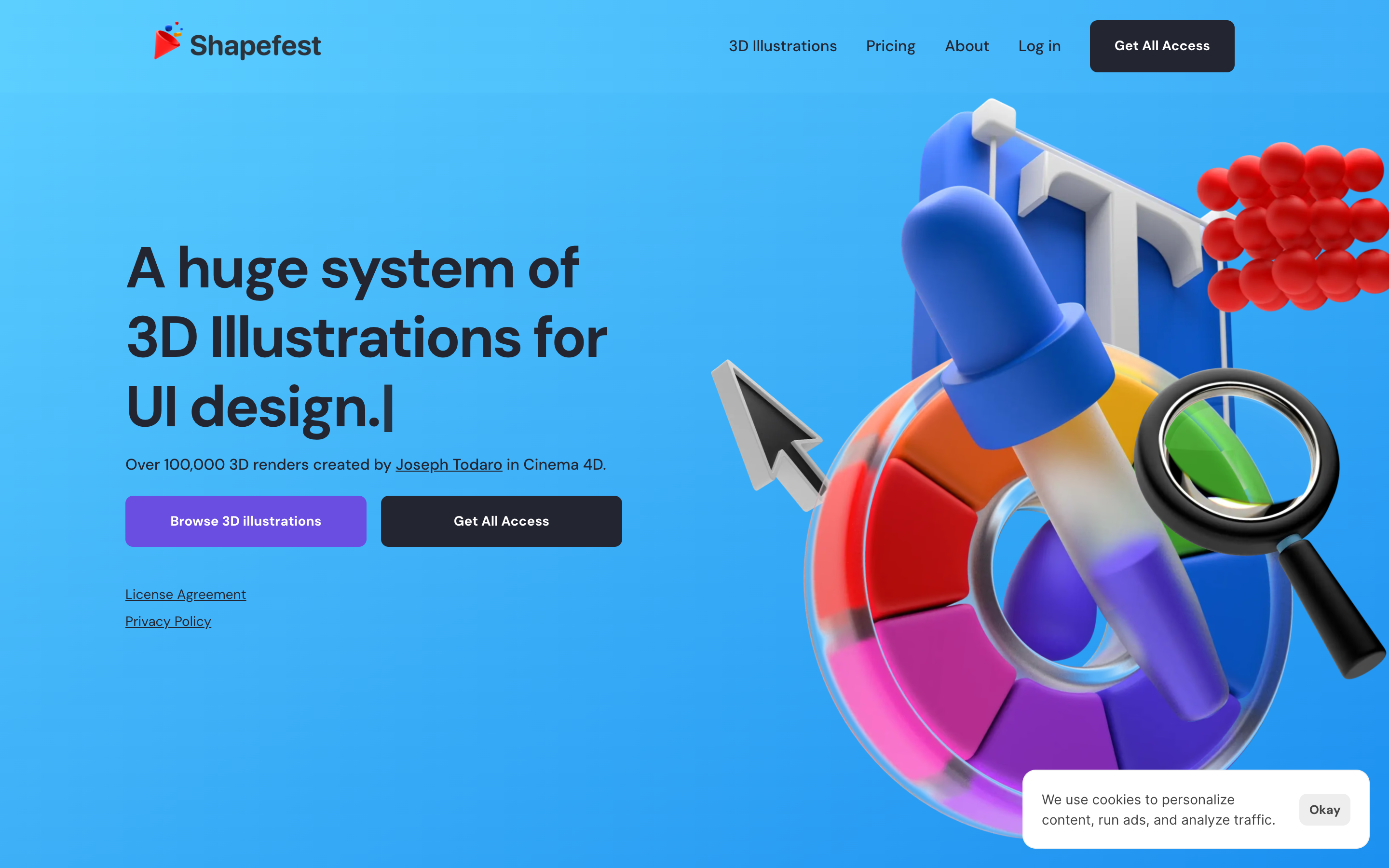
The honest con: the free tier is capped at 512×512px, and high resolution (up to 3,000px) plus extended licensing for building UI kits sits behind a paid plan. Files are flat PNG renders, not editable 3D, so the angle and lighting are fixed.
2. IconScout
IconScout is a marketplace with 335,000+ 3D illustrations, thousands of them free, and its real advantage is formats. Alongside PNG it offers editable source files: BLEND, glTF, C4D, OBJ, and FBX. That means you can open the asset in Blender or another tool and change the camera, lighting, or materials instead of accepting a fixed render.
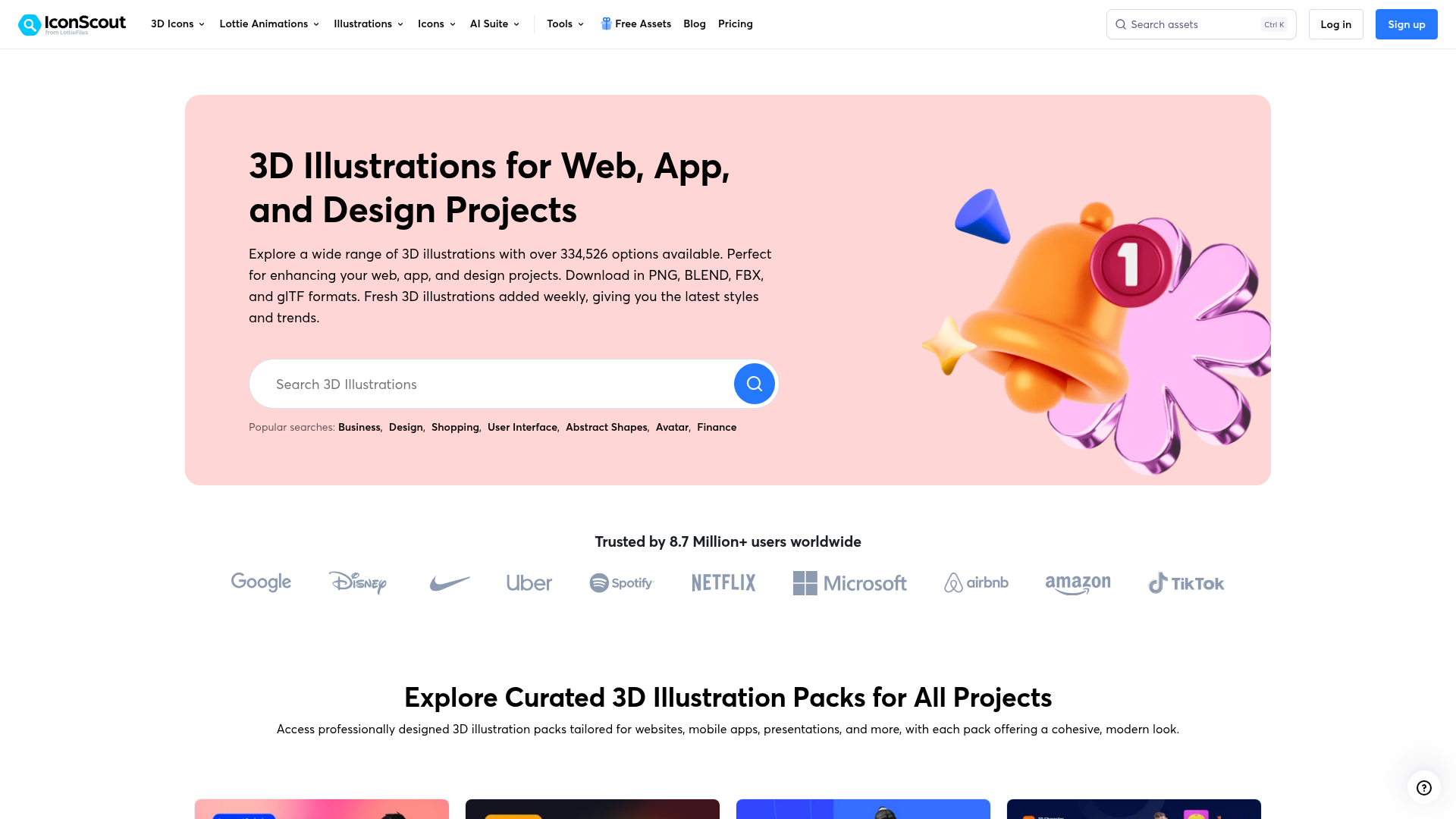
The honest con: the free assets are a slice of the full catalog, the rest needs a subscription, and because it's a marketplace, you should confirm the per-item license rather than assume every free download is unrestricted.
3. 3dicons
3dicons is the rare 3D library that is genuinely open-source: more than 1,500 hand-crafted 3D icons released under a CC0 license, free for personal and commercial use with no attribution at all. Created by Vijay Verma, it covers everyday UI subjects (devices, tools, communication, emotions) in a soft, rounded house style, and you can recolor or re-angle an icon right in the browser before downloading.
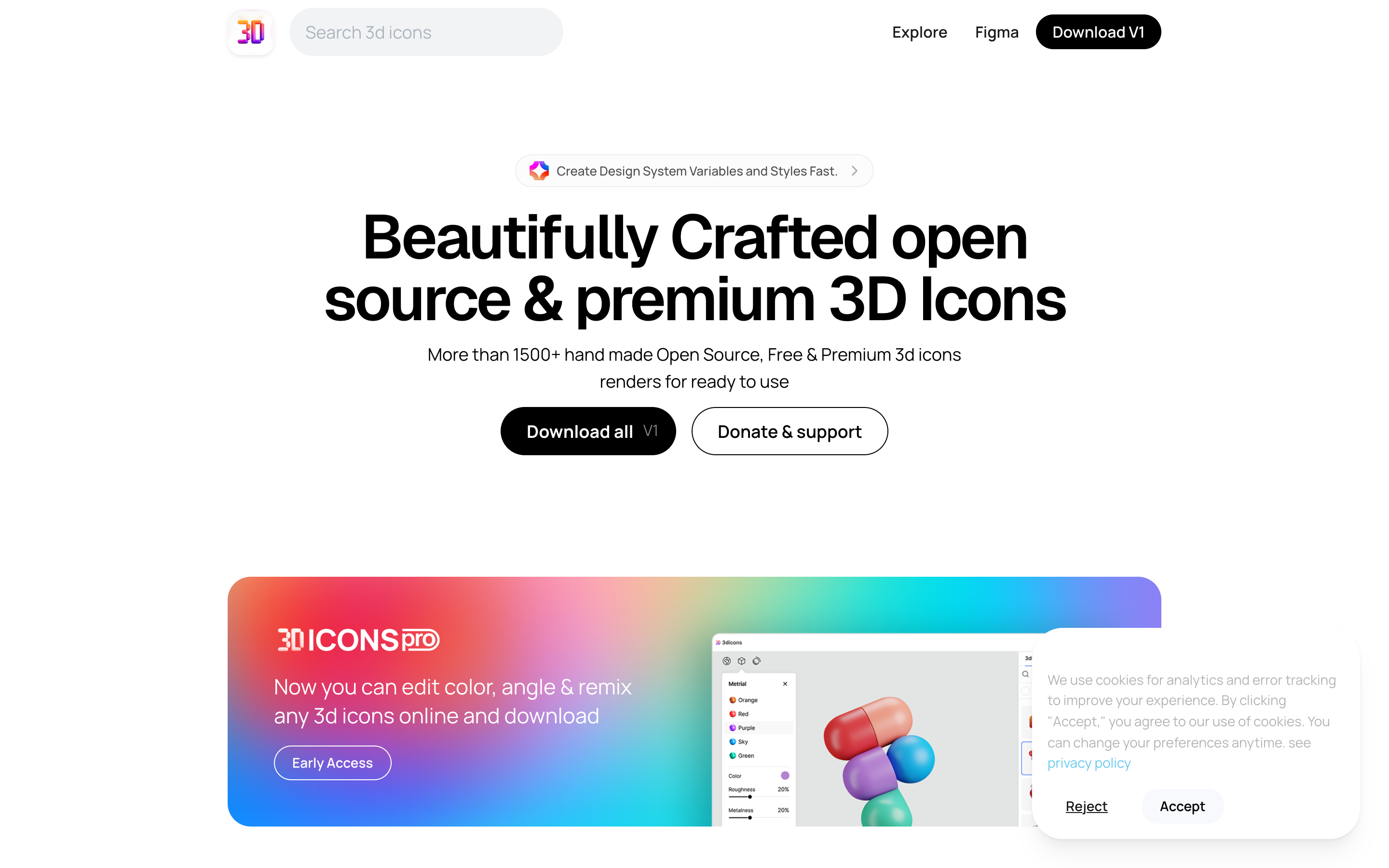
The honest con: it's an icon set, not a scene library, so it's perfect for small accent objects and empty states but won't give you full illustrated scenes with characters. The pro tier adds online editing and Blender files, though the core PNG set is the part most teams use.
4. Lummi
Lummi hosts a large, growing collection of free 3D illustrations and icons, all AI-generated and royalty-free for commercial use. The look is clean and photographic-render style, similar to Shapefest, and the site doubles as a creative tool with background removal and reframing built in, so you can adapt an asset without opening a design app.
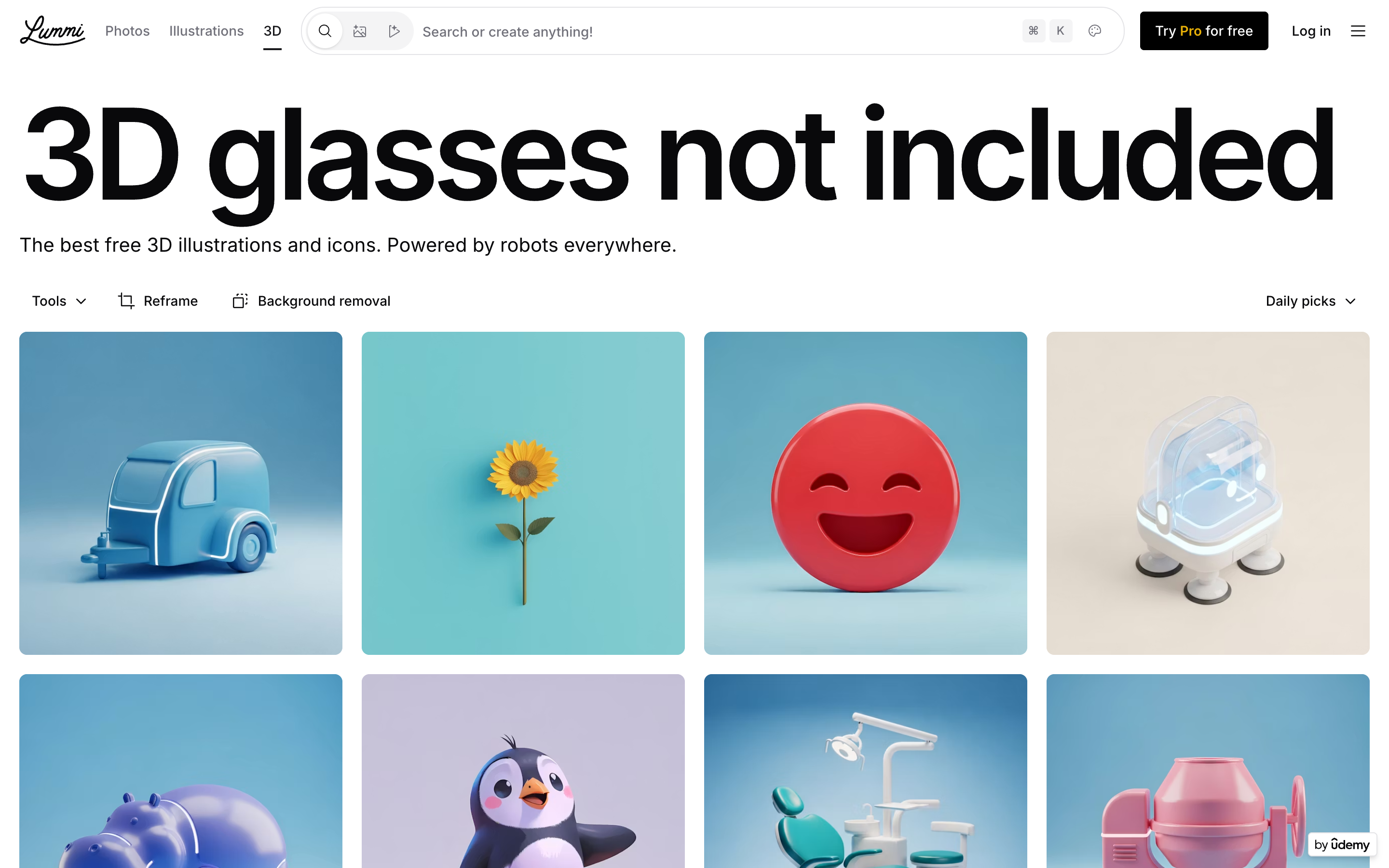
The honest con: because the assets are AI-generated, quality and consistency vary more than a hand-built set, and you'll want to eyeball details (warped geometry, odd proportions) before shipping one. Bulk download and the highest resolutions sit behind a Pro plan.
5. DrawKit
DrawKit, better known for its 2D work, also ships free 3D illustration packs, with no attribution required. Its strength is coherence: if you want 3D that sits alongside matching 2D illustrations, icons, and Lottie animations from one source, DrawKit keeps the look consistent across formats (SVG, PNG, Figma, Lottie). We cover its full range in our best free illustration sites roundup.
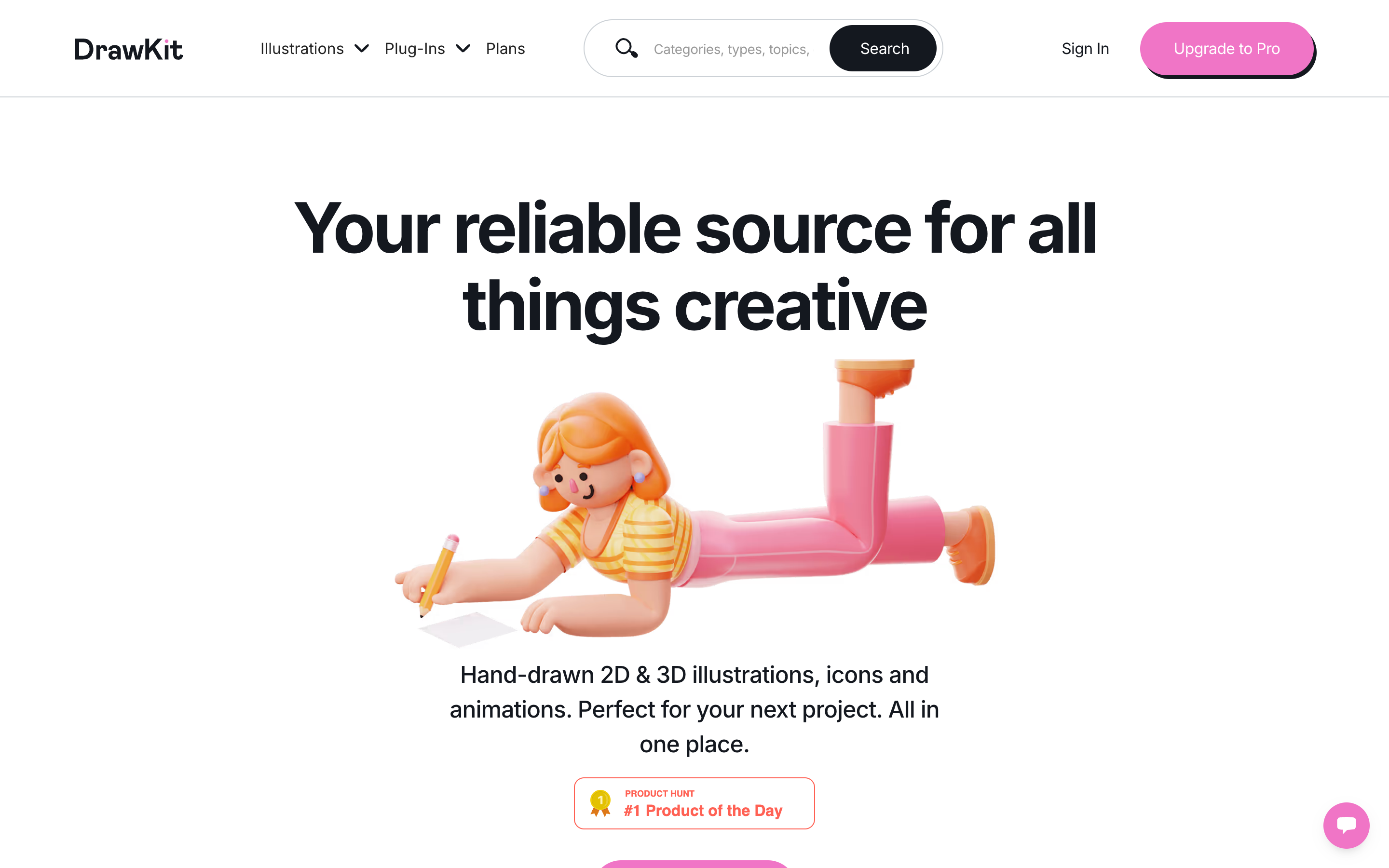
The honest con: the free 3D selection is a sampler of the paid packs, so the catalog is far smaller than Shapefest or IconScout.
6. Microsoft Fluent
Microsoft's Fluent set is the most genuinely open option here: it's released open-source on GitHub under the MIT license, free to use and modify with no attribution. The 3D-rendered objects and emoji-style assets are playful and friendly, well suited to icons, empty states, and product moments that want personality over realism.
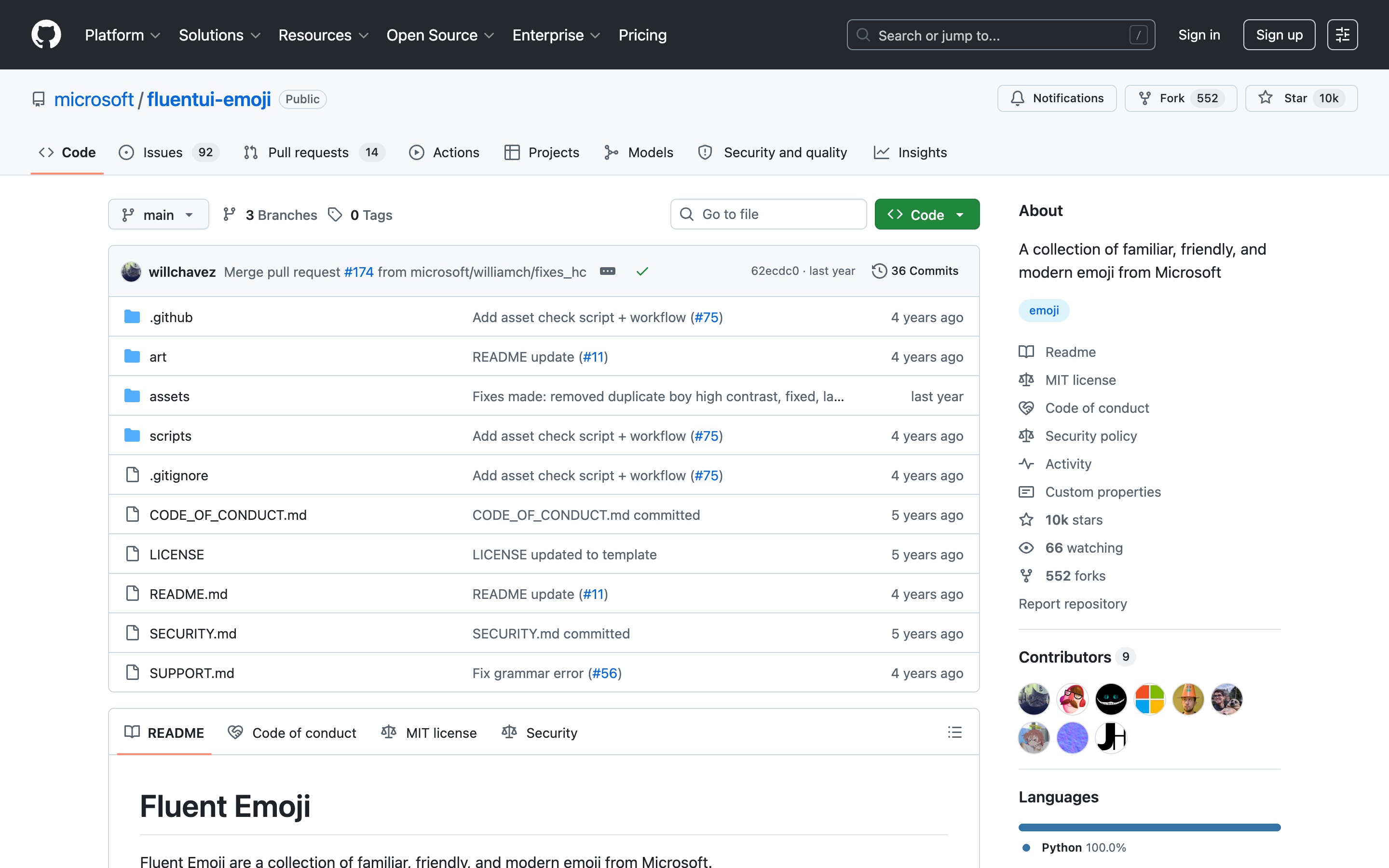
The honest con: it's a fixed set of objects and emoji, not a broad scene library, and it leans cute, so it won't fit a serious or enterprise tone. The assets live in a GitHub repo rather than a browsable gallery, so you download by folder rather than searching a catalog.
7. Superscene
Superscene takes a different approach: instead of single objects, it's a 3D illustration constructor. You assemble scenes from bright characters, hands, and objects, then export them, and it stays compatible with Blender, Figma, and Sketch so the pieces drop into your existing workflow. The free tier includes a usable slice of the library, including its set of 130+ 3D emoji.
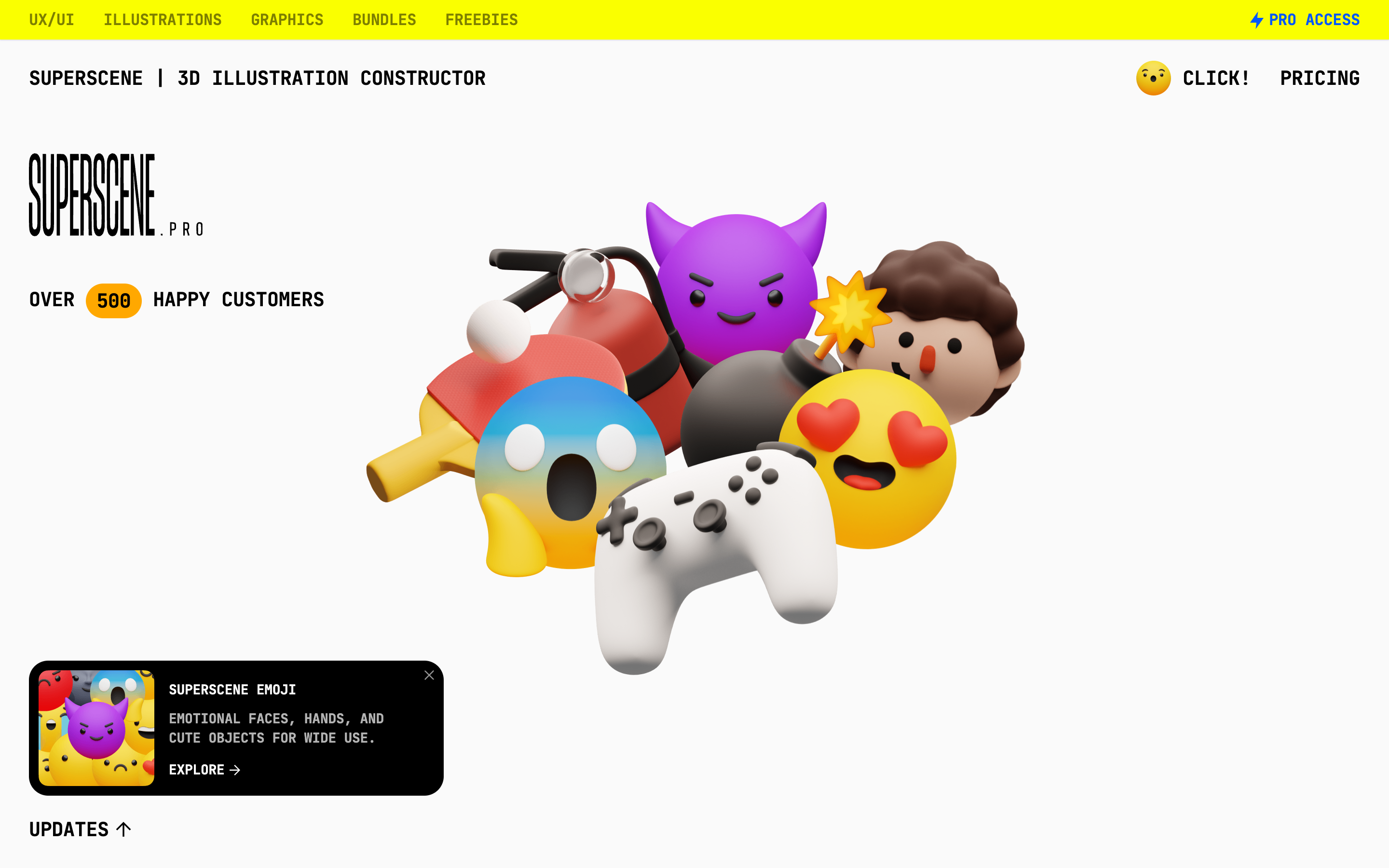
The honest con: the most useful character constructor and the full object library are gated behind Pro access, so the free tier is more of a generous sample than a complete kit. The style is distinctly playful, which is great for consumer products and a poor fit for buttoned-up B2B.
8. Pixels Market
Pixels Market is our own library, so judge accordingly, and here the honest answer is that we are not a 3D source. Our 20,000+ assets are 2D flat illustrations and icons, recolorable to your brand, with PNG free under a personal license and editable SVG plus a commercial license in the full sets. If your project actually wants 2D, that's our strength; if you need true 3D, the sources above serve you better.
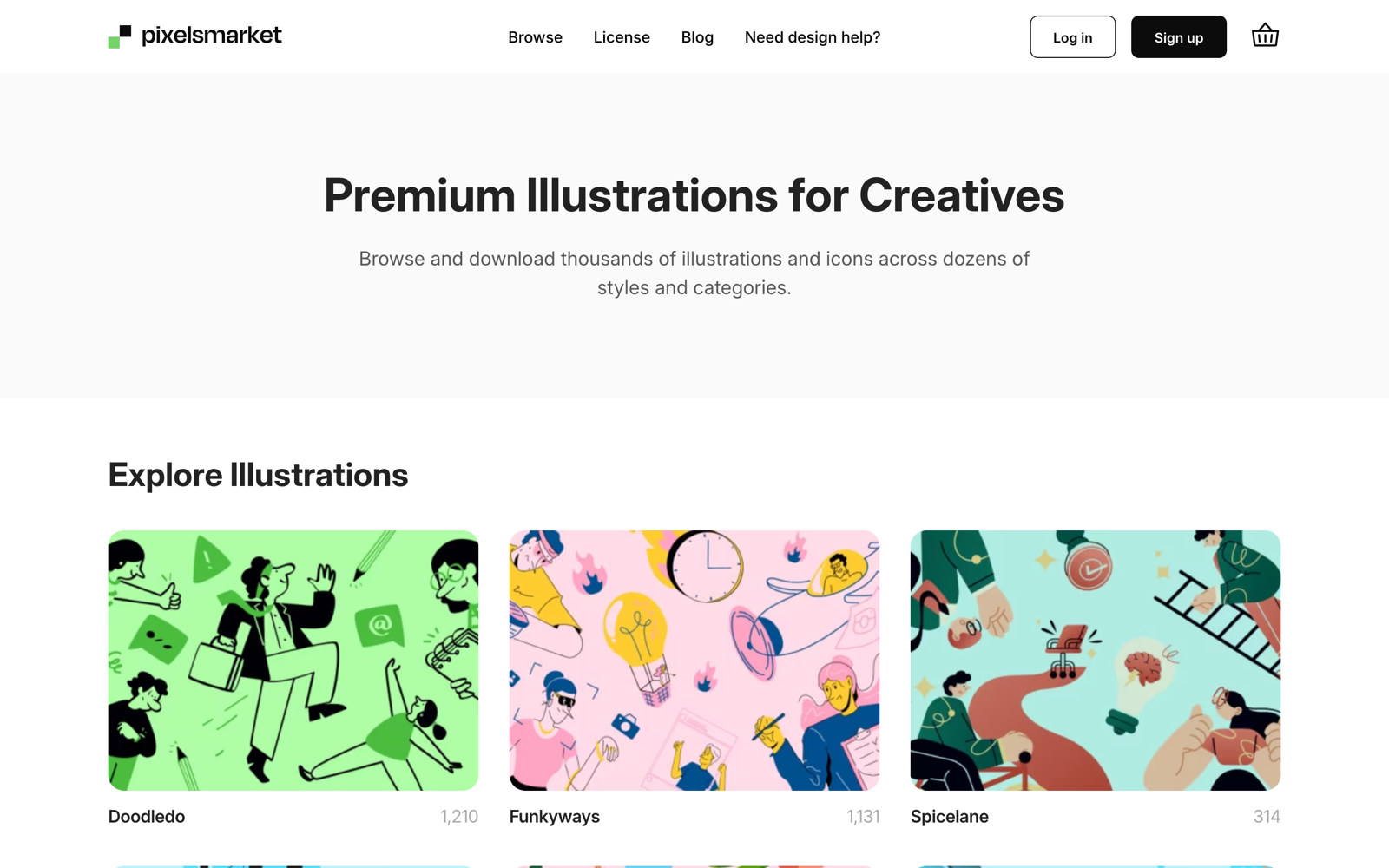
We include Pixels Market here because most teams reaching for 3D are really deciding between 3D and flat, and a lot of them land on flat for everyday UI. Browse the free illustrations or the design illustrations if that's the call you're making.
How to choose
A few questions narrow it fast:
- Do you need an editable file or just a render? For a fixed image, Shapefest has the most variety and 3dicons the cleanest icons. To change angles, lighting, or materials, IconScout's source files (BLEND, glTF) and Superscene's Blender exports are the real options here.
- Does the license need to be bulletproof? For zero ambiguity, 3dicons (CC0) and Microsoft Fluent (MIT) are the safest, since both are openly licensed with no attribution and no per-item fine print.
- Does it need to match your other illustrations? DrawKit's 3D pairs with its 2D and Lottie sets, which keeps a product coherent across styles.
- Do you want playful or premium? Microsoft Fluent and Superscene lean playful; Shapefest's and Lummi's glass-and-clay renders read more premium.
- Are you sure you need 3D at all? 3D files are heavier and harder to recolor than flat. If the visual is for everyday UI rather than a hero moment, a flat set is usually the lighter, more flexible choice. See our illustration styles guide for how the styles compare.
Verdict
For sheer volume of free, drop-in 3D, start with Shapefest. For editable source files you can re-render, IconScout is the pick, with Superscene close behind if you want to build whole scenes. For licensing peace of mind, 3dicons and Microsoft Fluent are the openly-licensed safe bets; for AI-generated variety, Lummi; and for 3D that matches a wider 2D system, DrawKit. And if you step back and realize the project really wants clean 2D, that's where a flat library like ours fits best.