The unDraw license makes the library free for personal and commercial use, with no attribution required and no payment. unDraw uses its own custom license (not MIT or CC0) that grants almost everything a designer needs and restricts only three narrow things: repackaging the catalog, building a competing library from it, and training AI models on the illustrations. If your plan is to put illustrations in a product, a client project, or marketing, the license never gets in your way, and you never have to credit anyone.
Is unDraw free for commercial use?
Yes. The unDraw license explicitly allows commercial use at no cost, and there is no separate "pro" tier that gates the better illustrations. That covers the situations designers and developers actually run into day to day:
- Products and SaaS apps. Use unDraw for empty states, onboarding screens, error pages, and feature illustrations inside a paid product.
- Client work. Agencies and freelancers can use unDraw in deliverables for paying clients, and the client is free to use them commercially in turn.
- Marketing. Landing pages, ads, social posts, pitch decks, ebooks, and email newsletters all qualify.
- Print and merchandise. You can put the illustrations on physical goods, though see the redistribution limit below if the illustration itself is the thing being sold.
- Apps and native software. Because no credit is required, there is no awkward "where do we put the attribution" problem that trips designers up with other free libraries.
There is no daily download cap, no sign-up wall, and no premium plan holding back the good assets. Everything on undraw.co is available to everyone under the same terms, which is rare among free illustration sources and a big part of why the library spread so fast.
Do you need to credit unDraw?
No. Attribution is not required anywhere: not for personal projects, not for commercial ones, and not in client work. This single fact is the main reason unDraw became the default free illustration source for the developer and startup world. A credit is never demanded, though a mention or a link back to unDraw is always a welcome courtesy to the person who draws and maintains it.
The absence of an attribution requirement is what makes unDraw genuinely usable in the two places most "free" libraries fall apart. The first is client deliverables, where a visible credit line looks unprofessional and clients rarely want it on their site. The second is native apps, where there is often no natural screen to put a credit on at all. unDraw sidesteps both because the credit is simply not needed.
What the unDraw license does not allow
The license grants nearly everything, so it is faster to list what it forbids. There are three restrictions, and they are all narrow:
- Do not repackage or redistribute the catalog. You cannot bundle the illustrations into a pack, template, or asset library and hand them out or sell them as a set. Using them inside your own product or design is fine; making the raw illustrations available for others to download is not.
- Do not build a competing service. You cannot compile the illustrations to recreate unDraw or launch a similar illustration library built on its assets.
- Do not train AI or machine-learning models on them without permission. This clause is increasingly common in free libraries and easy to miss. If you build datasets or train image models, this one matters; for normal design use it never comes up.
For the overwhelming majority of real uses, which is "put an illustration in my interface or marketing," none of these three will ever touch you.
Is unDraw open source? Is it MIT or CC0?
This is where most of the confusion starts. People call unDraw "open source" loosely, but it is not released under MIT, CC0, or any standard open-source license. It uses its own custom license, written specifically for the project by its creator.
The practical difference is small but worth understanding. A CC0 asset, like Open Peeps or Humaaans, is placed in the public domain with literally no restrictions, so even the three limits above would not apply to it. unDraw keeps those three limits in place. In everyday design work the two feel identical, and you would never notice a difference. But if your use case is unusual, such as bundling assets for redistribution or training a model, that distinction is exactly the thing to check before you ship.
Common unDraw license misconceptions
A few myths come up again and again. Here is the reality on each:
- "It's public domain, so I can do anything." Almost, but not quite. The three limits above still apply, so it is more permissive than most licenses but not truly unrestricted.
- "I have to credit unDraw for commercial use." No. Attribution is never required, for any use.
- "The free version is limited and a paid plan unlocks more." There is no paid plan. Every illustration is free under the same license.
- "I can sell a bundle of unDraw illustrations." No. That is the redistribution limit, and it is the one rule casual users are most likely to break.
- "I can use them to train my own image model." Not without permission from the creator.
unDraw license vs other free illustration libraries
Licenses are where "free" libraries actually differ, far more than style or file count. Here is how unDraw compares to the other popular sources:
| Library | Commercial use | Attribution | AI training | License type |
|---|---|---|---|---|
| unDraw | Yes | Not required | Not allowed | Custom |
| Open Peeps | Yes | Not required | Allowed | CC0 (public domain) |
| Storyset | Yes | Required on free tier | Restricted | Freepik |
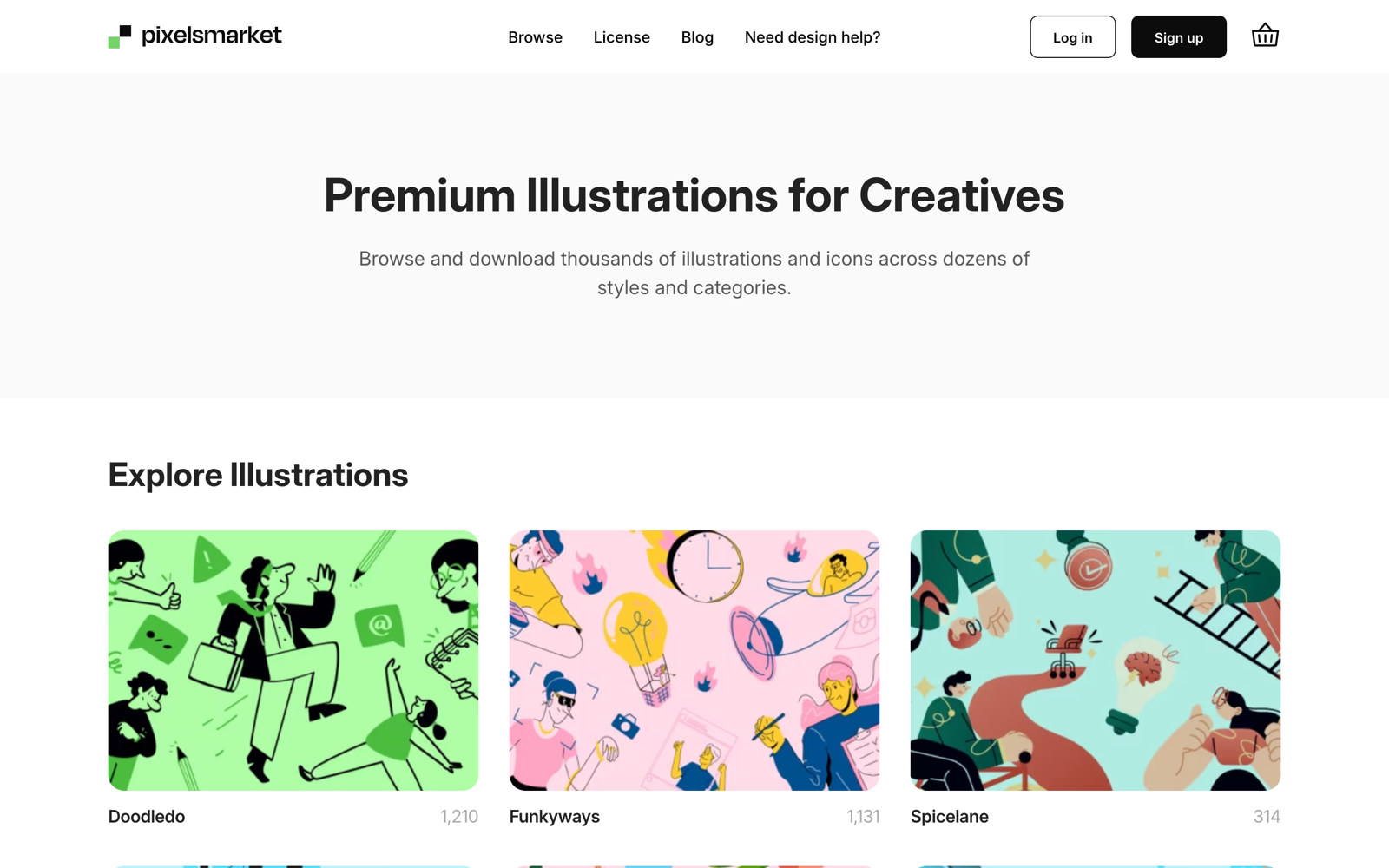
| Pixels Market | Yes | Not required (PNG) | Not allowed | Custom |
unDraw and Open Peeps are the two closest to "no strings attached." Storyset is a more capable editor but requires a credit on its free tier, which we break down in the Storyset license guide. If you want the same no-attribution freedom across more than one visual style, a multi-style library like Pixels Market covers several looks under a single license.
How to download and recolor unDraw legally
Nothing about recoloring or editing an unDraw illustration changes the license, because modification is expressly allowed. There are two ways to do it:
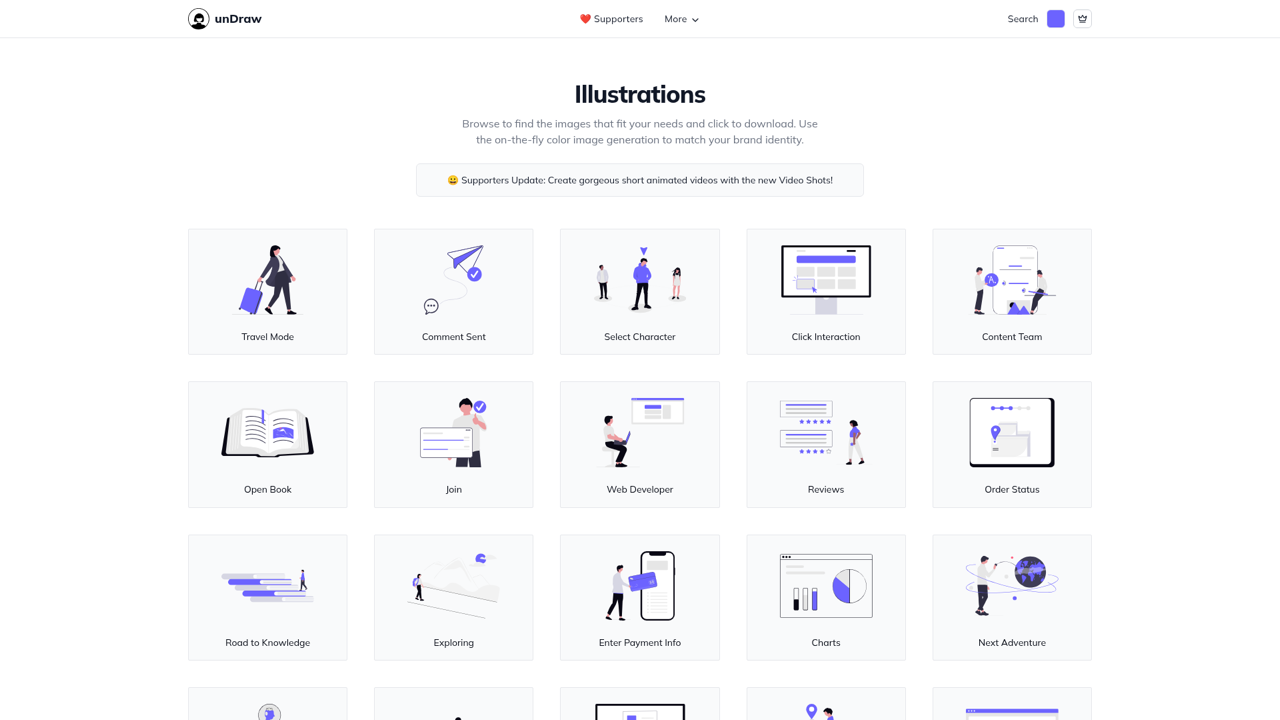
- On the site. undraw.co has a single accent-color control. Set your brand color and the entire catalog previews and downloads in it. This is the fastest path when one accent color is enough.
- In an editor. For full multi-color control, download the SVG and open it in Figma, Illustrator, or Inkscape, then recolor the layers directly. The SVG files are clean and layered, so this takes a minute.
Both the edited and unedited versions carry the same rights, so a recolored unDraw illustration is still free to use commercially with no attribution. You are never on shakier legal ground for having customized it.
unDraw license for specific use cases
A few scenarios come up often enough to answer directly:
- Selling a template or theme that includes unDraw art. Fine, as long as the illustrations are part of a larger design and not the product themselves. A website template with unDraw illustrations baked into the layout is allowed; a pack of those illustrations pulled out and sold on their own is not.
- Print-on-demand and merchandise. You can print unDraw art on products you sell, because the illustration is decorating a physical good rather than being redistributed as a downloadable file.
- YouTube videos, courses, and paid content. Allowed, commercial or not, with no credit. A paid course counts as commercial use and is fully covered.
- Logos and trademarks. Best avoided. Using a widely-used free illustration as a logo is legally gray and practically unwise, since the same artwork appears on thousands of other sites and cannot be owned as a mark.
When in doubt, the test is simple: are you using the illustration as part of your own work, or are you handing out the illustration itself? The first is always fine; the second is the line the license draws.
When unDraw's license fits, and when to look elsewhere
unDraw's license is close to ideal: free, commercial, no credit, fully editable. The catch is never the license; it is the single visual style. Because unDraw became the default, its look is instantly recognizable as "the free option," and every illustration shares one flat aesthetic built around one accent color.
So the license is a reason to use unDraw, and style is the only real reason to look past it. If you need more than one look, or want illustrations that do not read as the startup default, browse the free illustrations or the curated collections at Pixels Market, or see the full unDraw review and alternatives for a side-by-side comparison.
When the one style fits your project, unDraw remains one of the most permissive free illustration libraries on the web.