The best free icon sites fall into two groups. Open-source libraries like Feather, Heroicons, and Lucide give you clean, consistent SVG icons that are truly free, with no attribution and no paywall. Broader sites like Pixels Market, The Noun Project, and Font Awesome trade some of that simplicity for far more styles and subjects. This guide ranks ten of the best, each with its license and its catch spelled out, so you can pick the one that fits your project instead of downloading from five places.
What to look for in a free icon site
Three things separate a good icon source from a frustrating one.
License. "Free" is not one thing. Open-source sets, usually MIT or similar, let you use icons anywhere, including commercially, with no credit. Marketplace-style sites often make the free tier require attribution and reserve the best assets for a paid plan. Always read it before you ship.
Style consistency. Icons in an interface need to look like a family: same stroke weight, same corner radius, same level of detail. A single well-made set beats mixing icons from three libraries, which is the fastest way to look sloppy.
Format. For the web and app interfaces, you want SVG: it scales to any size without blurring and can be recolored in code. PNG is fine for a slide deck or a document, but for product work, SVG wins. One practical note: an icon font loads every glyph at once, while individual SVGs let you ship only the icons you actually use, which keeps a page lighter.
The best free icon sites
Here are ten worth bookmarking, starting with the most flexible and moving through the cleanest open-source sets.
1. Pixels Market
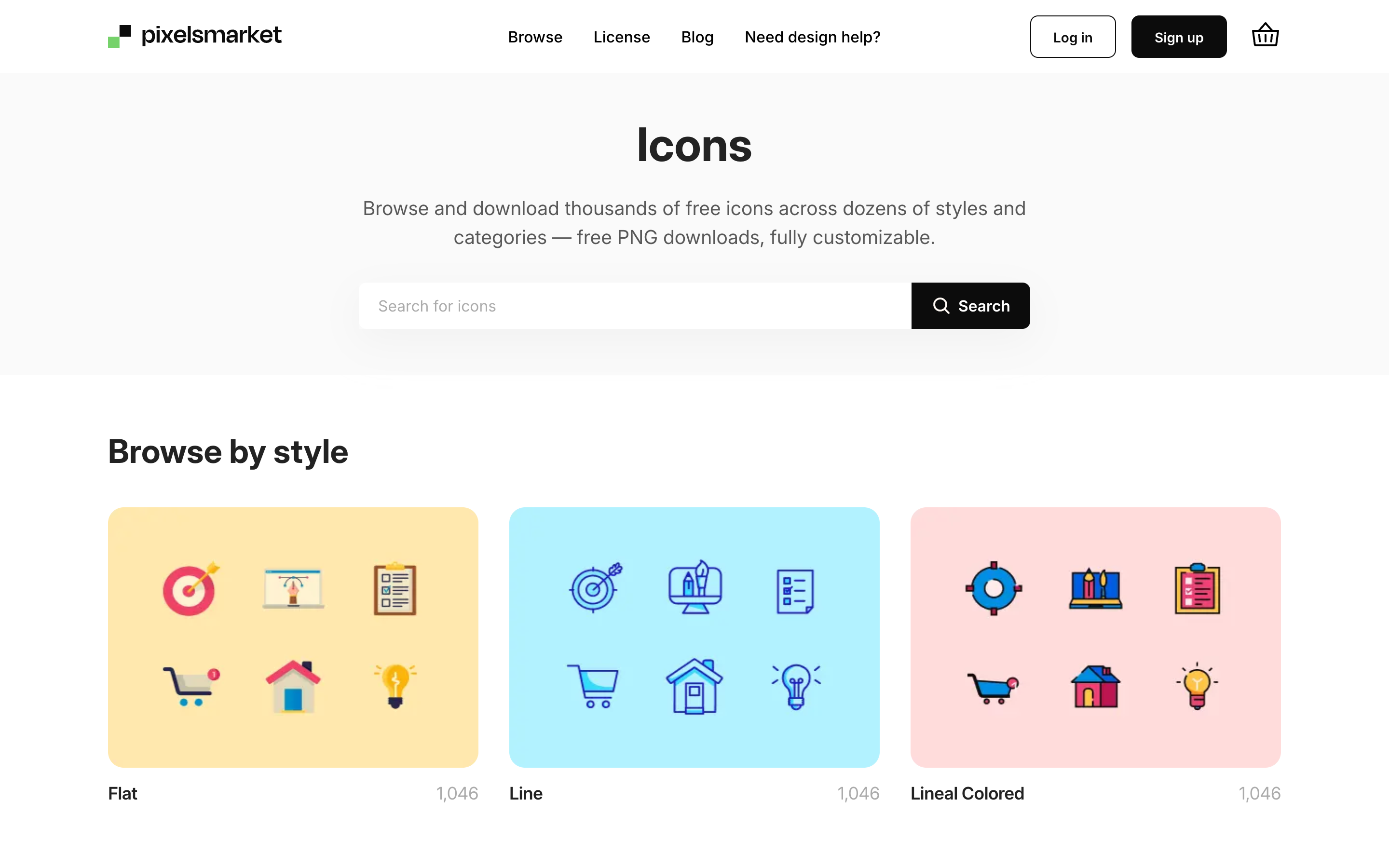
Pixels Market (that is us, so weigh accordingly) is the pick when you want free icons in more than one style without hunting across sites. There are thousands of icons across flat, line, and lineal-colored styles, and you can recolor any of them in the browser to match your palette before downloading. The free download is a high-resolution PNG; SVG files come with the full sets. It suits designers who want variety and quick recoloring rather than a single monoline set.
2. Font Awesome
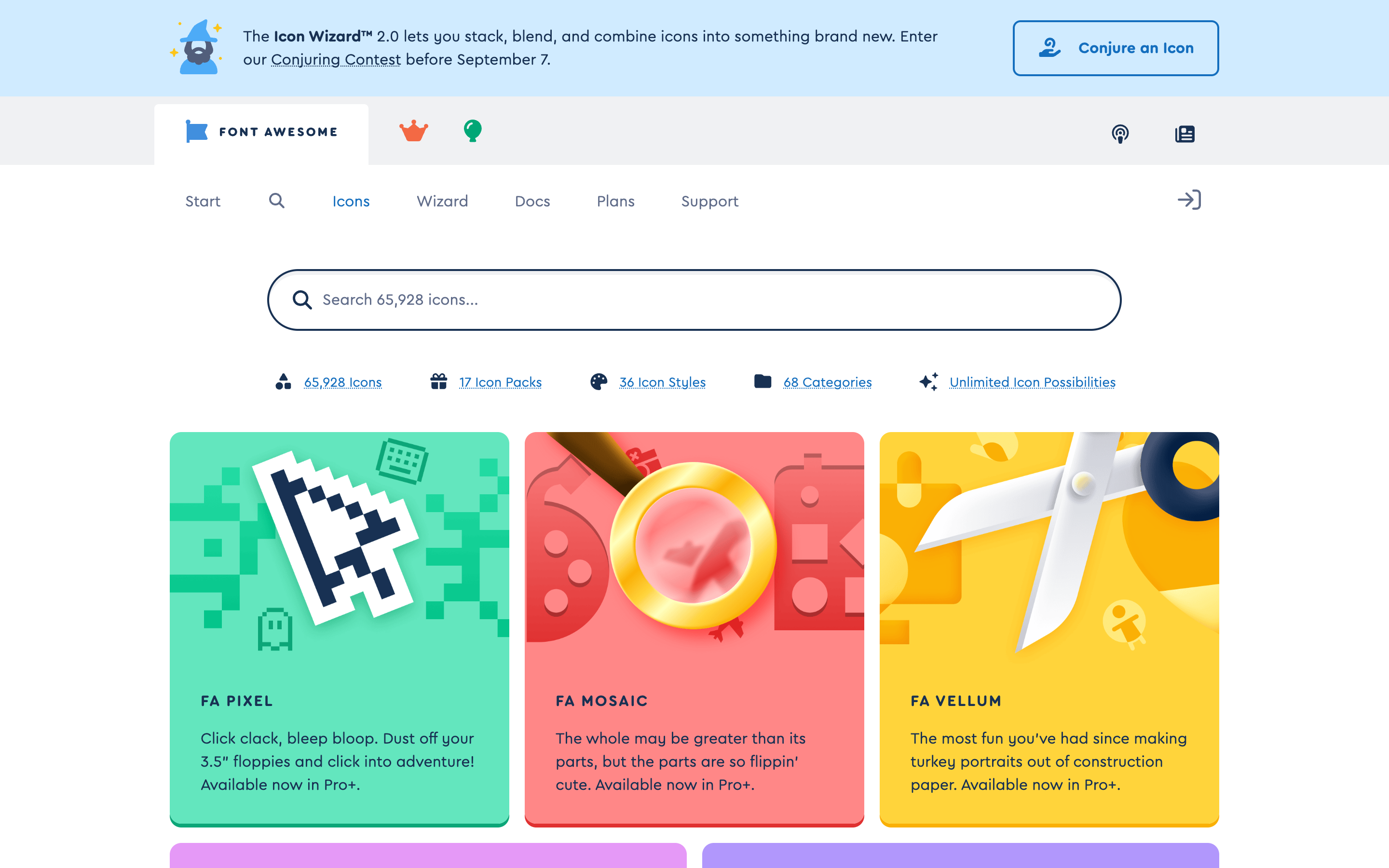
Font Awesome is the most established name here, and its free set covers the common interface and brand icons most projects need. A generous free tier gives you thousands of icons; Pro adds many more styles and packs. It is especially easy to drop into web projects through its icon font and SVG kits. If you want a safe, familiar default with wide coverage, start here. It has been around long enough that documentation and examples exist for almost every framework, which makes it a low-risk pick for a team that just needs icons to work today.
3. The Noun Project
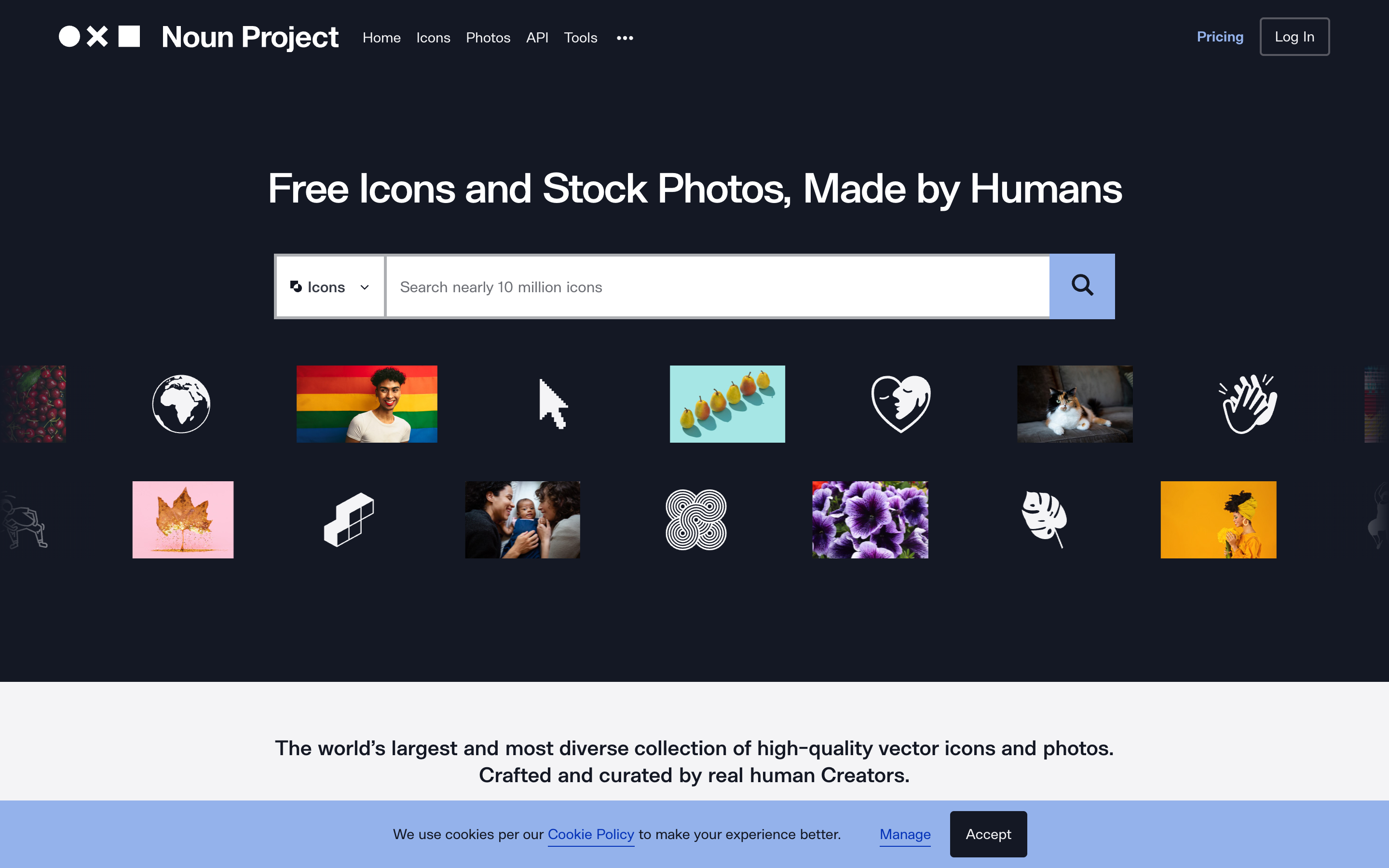
The Noun Project is the widest catalog on this list, with millions of icons covering almost any subject you can name. The tradeoff is the license: the free download requires crediting the creator, and removing that credit means a paid plan. When you need an icon for an obscure concept that the tidy open-source sets do not include, this is where you find it. It is less suited to a polished product interface, where a single open-source set looks tidier, and better for presentations, diagrams, and one-off graphics where breadth beats consistency.
4. Feather Icons
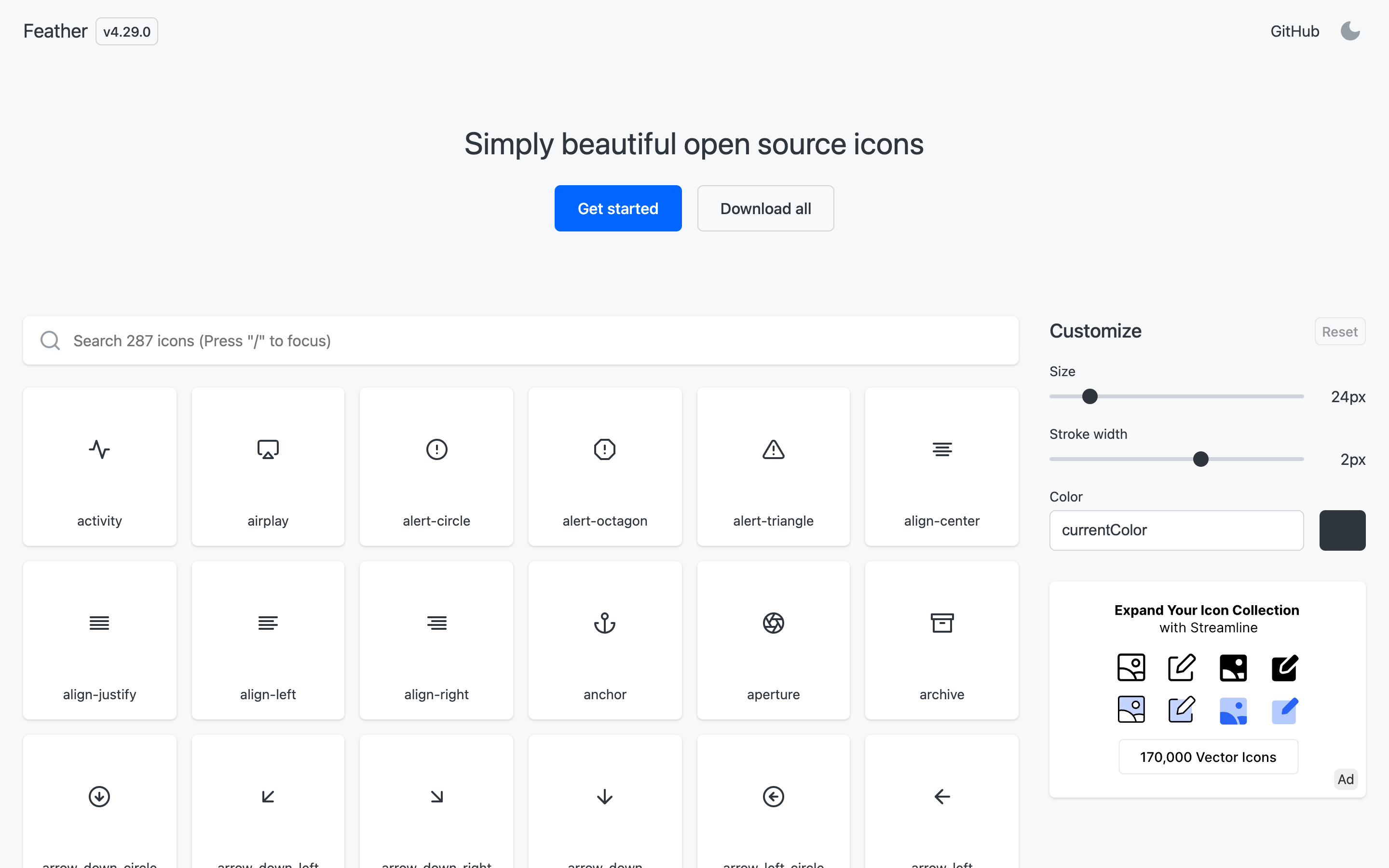
Feather is the minimalist favorite: a tight set of clean, consistent line icons, all free and open-source with no attribution. The set is small on purpose, which is its strength, since everything looks like it belongs together. It is the right pick for a simple, modern interface where you want restraint rather than thousands of options.
5. Heroicons
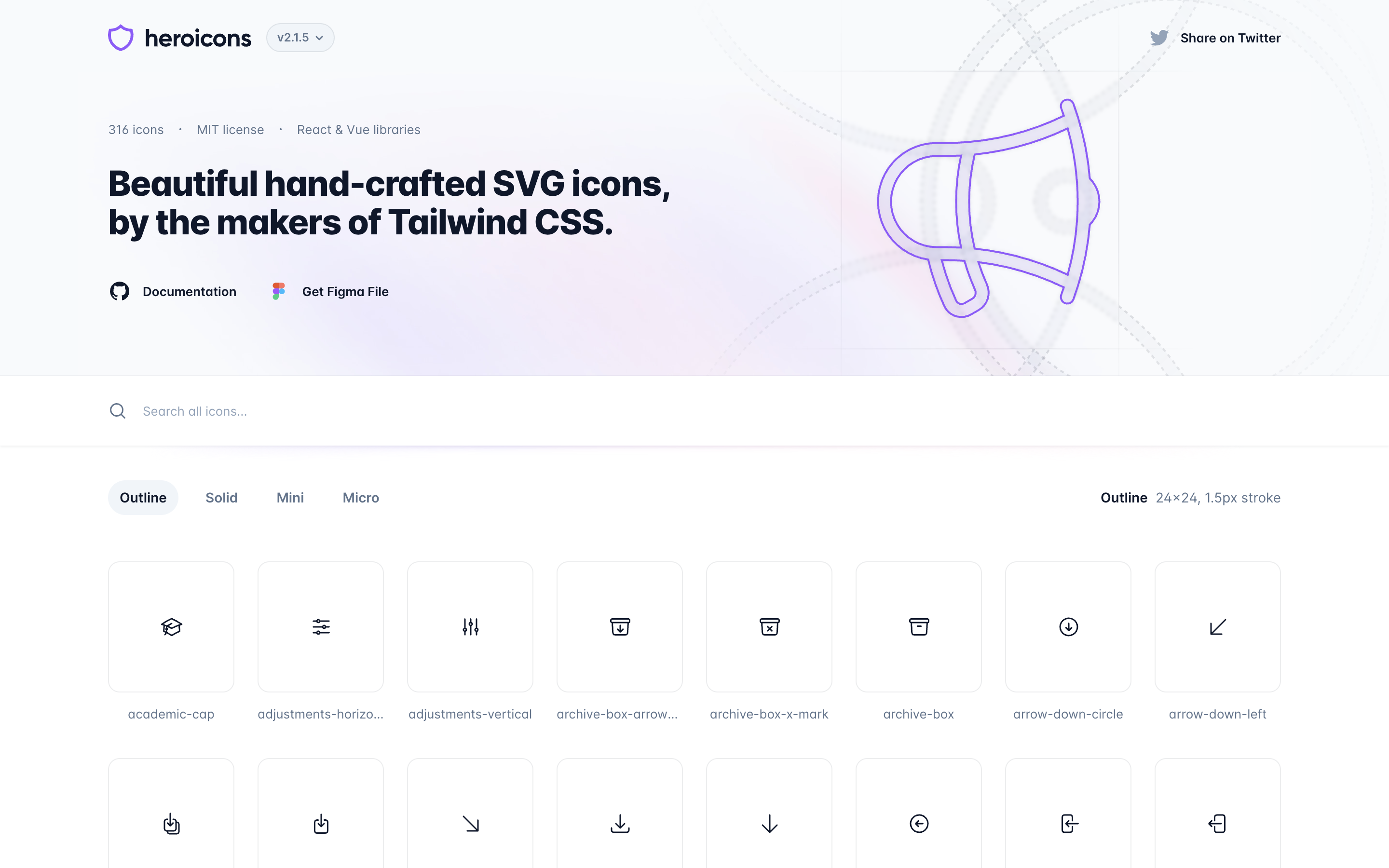
Heroicons is made by the team behind Tailwind CSS, and it shows: crisp, modern icons in outline and solid variants, tuned for interfaces. It is free and open-source, and it drops into Tailwind and React projects with almost no friction. If your stack is already Tailwind, this is the obvious default.
6. Tabler Icons
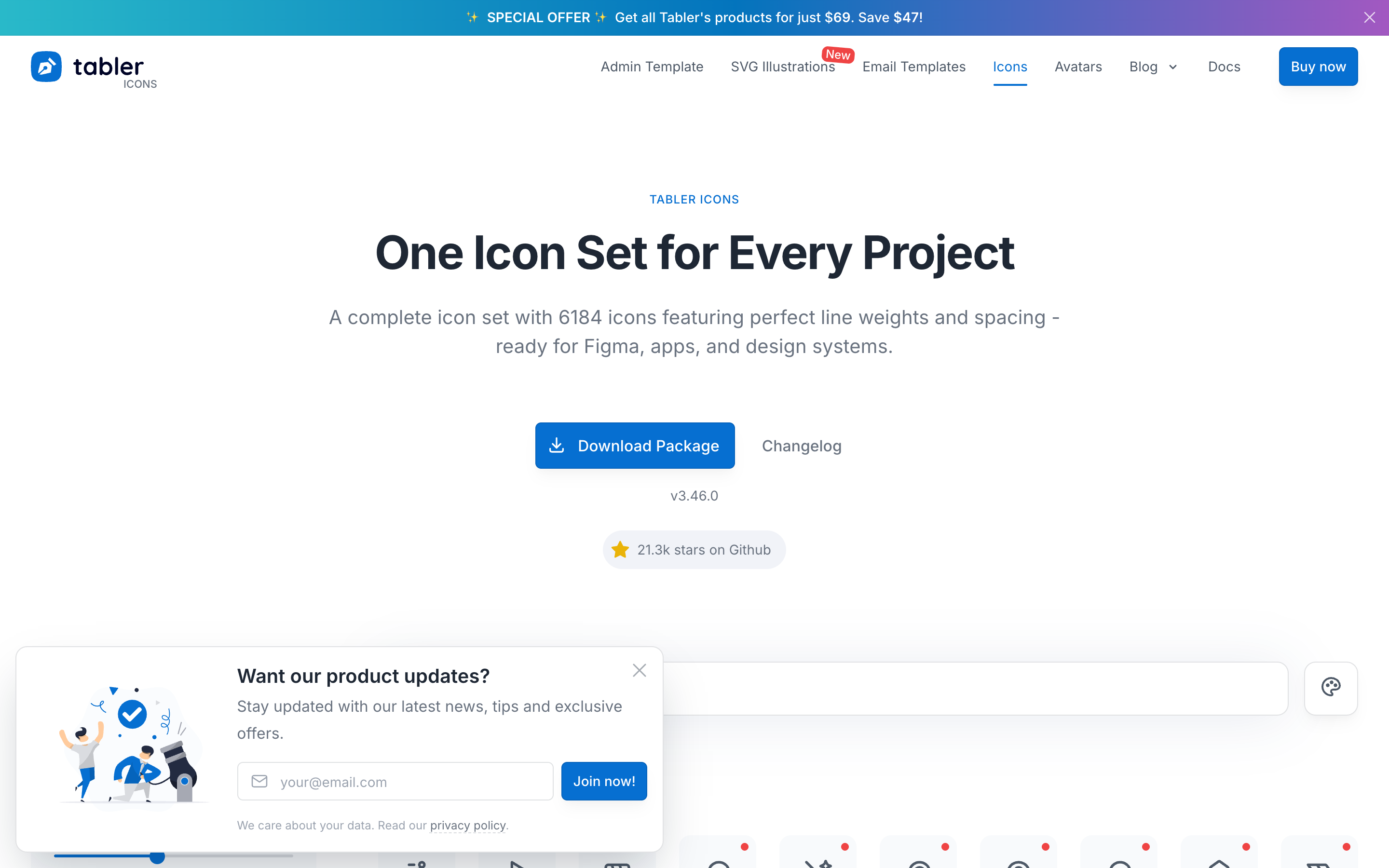
Tabler is one of the largest free, open-source icon sets, with thousands of consistent line icons and a growing set of filled versions. It hits a sweet spot between Feather's restraint and the Noun Project's breadth: enough coverage for a real product, all in one coherent style, all free with no attribution.
7. Lucide
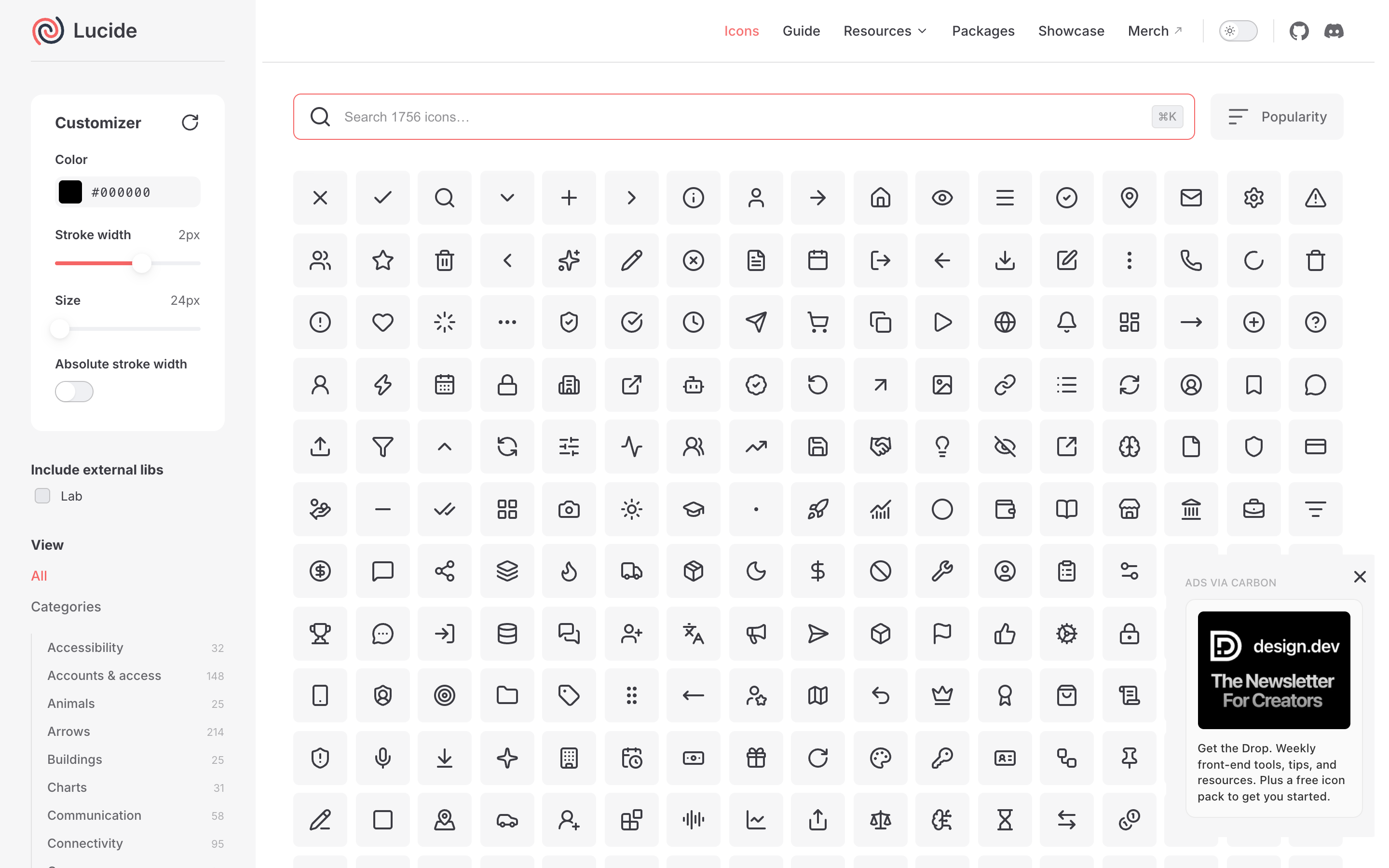
Lucide is a community-maintained fork of Feather that kept the clean look and added hundreds more icons plus active updates. It is free and open-source, with official packages for React, Vue, Svelte, and more. Choose Lucide when you love Feather's style but need more icons than the original set offers.
8. Phosphor Icons
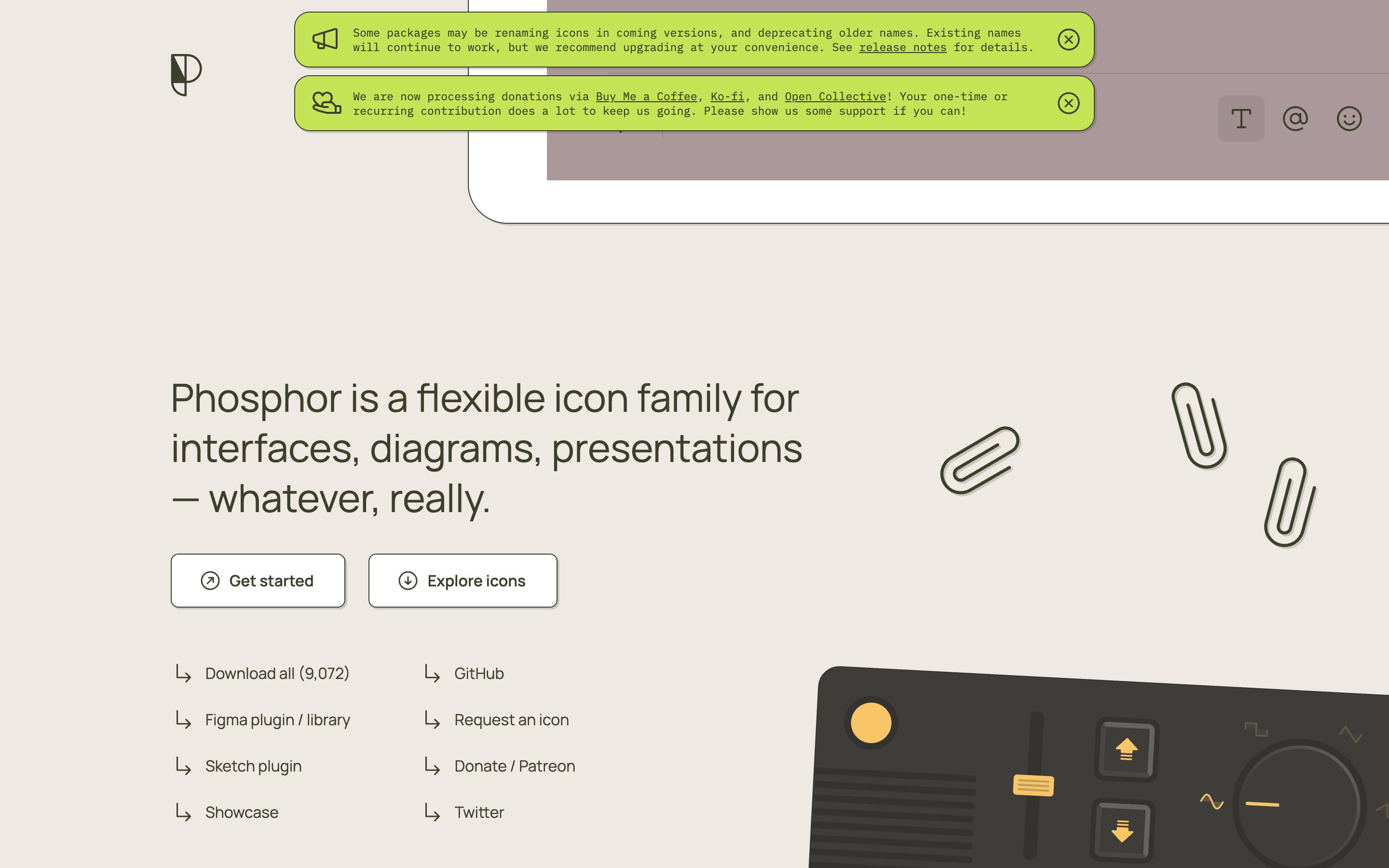
Phosphor stands out for flexibility: every icon comes in six weights, from thin to bold to duotone, so you can match the exact heft your design needs. It is free and open-source, with wide framework support. It is the pick when a single stroke weight feels too limiting and you want fine control over how heavy your icons read. The duotone weight in particular is rare among free sets, and it is useful when you want a hint of color or depth without reaching for a full illustration.
9. Bootstrap Icons
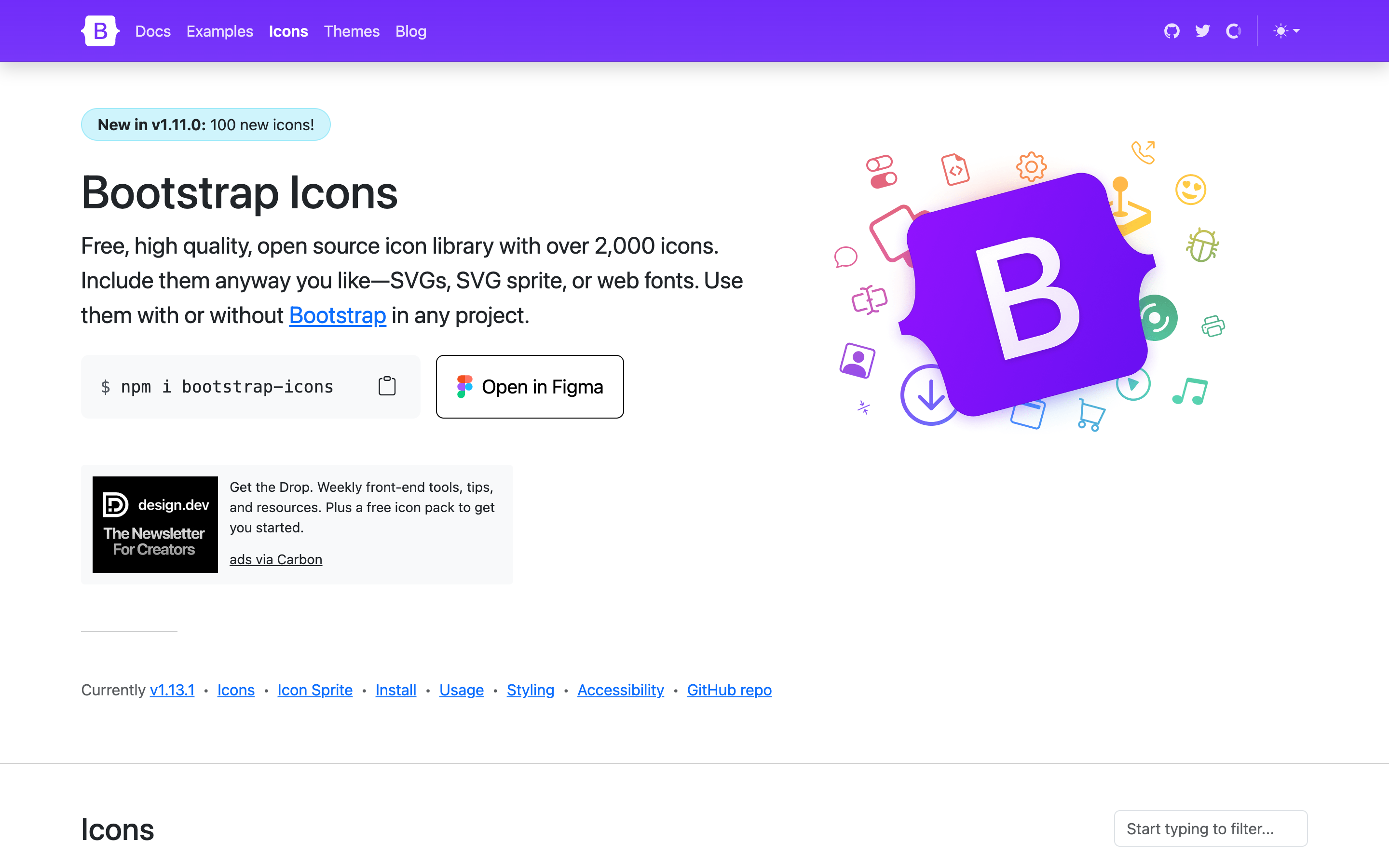
Bootstrap Icons is the official set from the Bootstrap team, and you do not need to use Bootstrap to use them. It is a large, free, open-source library of clean icons that work as SVG or an icon font. If you want a dependable, well-maintained set with broad coverage and zero license worries, it is a solid, boring-in-a-good-way choice.
10. Iconoir
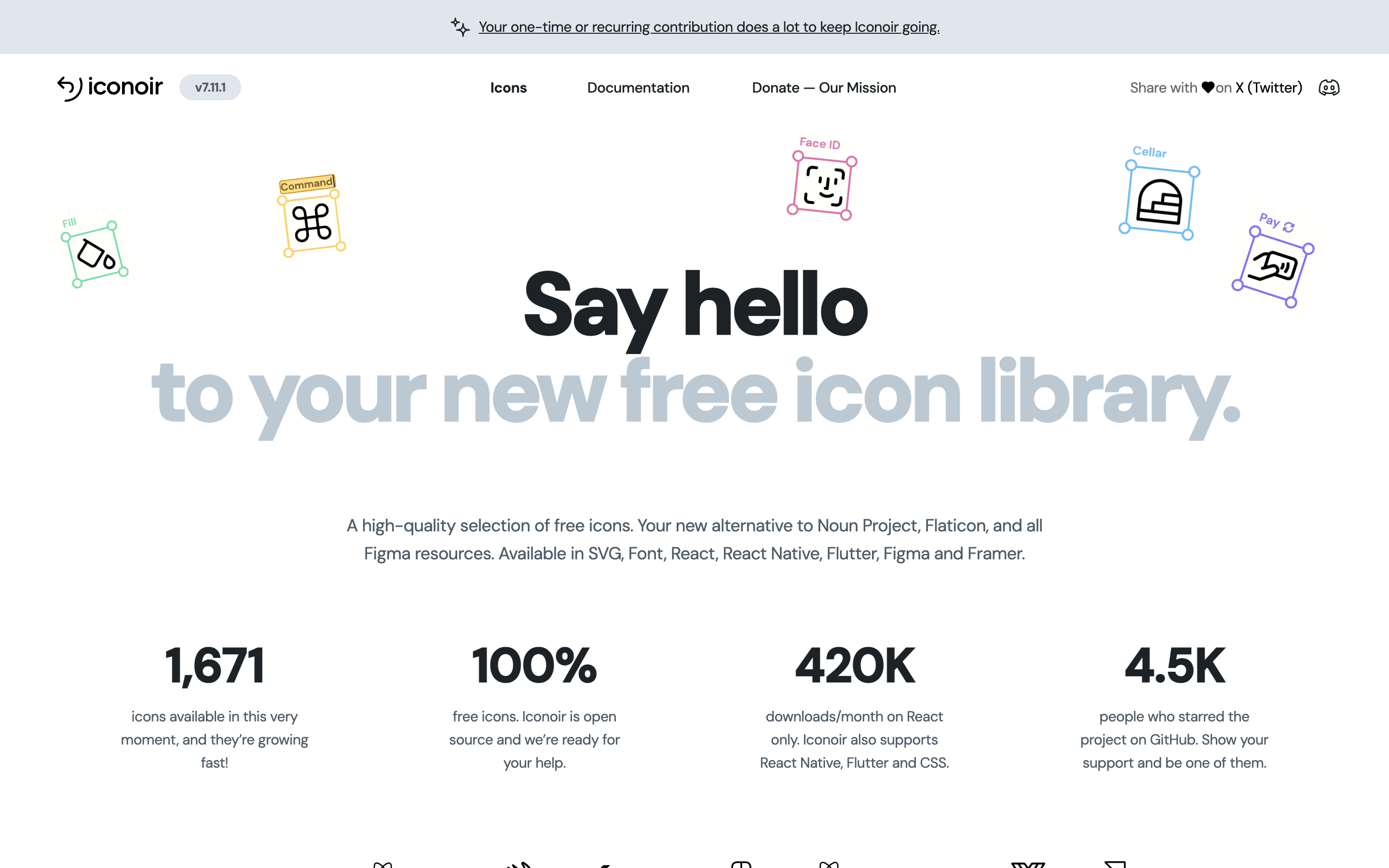
Iconoir is a free, open-source set with over a thousand hand-crafted icons and, notably, no signup and no license friction at all. The style is light and modern, close to Feather and Lucide, and it ships packages for the popular frameworks. It is a quiet, high-quality option that deserves more attention than it gets.
Getting free icons right
A free icon set is only as good as how you use it, and a few habits separate a polished interface from a messy one.
Keep size and weight consistent. Icons look wrong when one is a hairline and its neighbor is chunky, so size them on a shared grid and hold to one stroke weight across the set. Most of the libraries here are drawn on a 24-pixel grid for exactly this reason, which is also why mixing two of them rarely lines up.
Recolor with intent. An icon in your brand's accent color reads as designed; the same icon left default black beside colored ones reads as an afterthought. With SVG this is a one-line change in code, another reason to prefer it over PNG for product work.
Mind optical alignment. A perfectly centered icon often looks slightly off next to text, because our eyes weight shapes differently than a bounding box does. Nudge it until it looks right, not until the numbers match.
Label them for accessibility. Hide decorative icons from screen readers, and give meaningful ones a real text label. Free does not mean you get to skip the basics.
How to choose
Match the source to the job. For a product interface, pick one open-source set and commit to it: Feather or Iconoir for minimalism, Heroicons for a Tailwind stack, Tabler or Lucide for breadth, Phosphor when you need multiple weights. For marketing pages and decks where you want color and variety, Pixels Market gives you several styles with in-browser recoloring. And when you need a niche subject no tidy set covers, The Noun Project almost certainly has it, as long as you can credit the creator.
Whatever you choose, resist mixing sets in the same interface. Consistency of stroke and style is what makes icons look designed rather than assembled.
Verdict
There is no single best free icon site, only the best one for your constraints. If you want free, no-attribution SVGs for a clean interface, the open-source libraries here are excellent and interchangeable. If you want range, color, and quick recoloring, browse our free icons across styles or the wider free illustrations library. Start from the license you can live with, pick one set that fits your style, and keep it consistent. In practice, most teams end up bookmarking two: one open-source set for interface work, and one broader source like Pixels Market for the colorful, off-grid graphics that icons alone cannot cover.